On this page
- What a Resume AI Checker Actually Does
- The Six Things AI Checkers Look For
- ATS Parseability
- Keyword Match
- Skills Section Check
- Format and Length
- Contact Information and Header
- Grammar, Tense, and Consistency
- How Accurate Are AI Resume Checkers
- The Synonyms Problem
- How to Use a Resume AI Checker Without Wasting Your Time
- When NOT to Use a Resume AI Checker
- What to Do With Your Score
- Frequently Asked Questions
A resume AI checker scans your resume and tells you how likely it is to pass an applicant tracking system. Most of them return a result in under 30 seconds. Some of them are genuinely useful. A few hand you an 80/100 right before the actual Workday parser scores you a 44.
This is a guide to understanding what these tools actually do, how accurate they are, and what to do with the number they give you. We'll also tell you when not to use one — because a tool that actually wants to help you should say that.
What a Resume AI Checker Actually Does
At its core, a resume AI checker is a parser with a scoring layer on top. It reads your resume, extracts structured data — job titles, dates, skills, education — and compares that data against a set of rules about what ATS platforms look for.
The better ones simulate real ATS behaviour, calibrated against actual platform output. The less careful ones run a keyword count and call it a score. Both will hand you a number. Only one of those numbers means anything.
Here's the sequence when you upload your resume to an AI checker:
- The tool parses the document — it reads the text and attempts to extract structured fields: name, contact info, experience sections, skills, education.
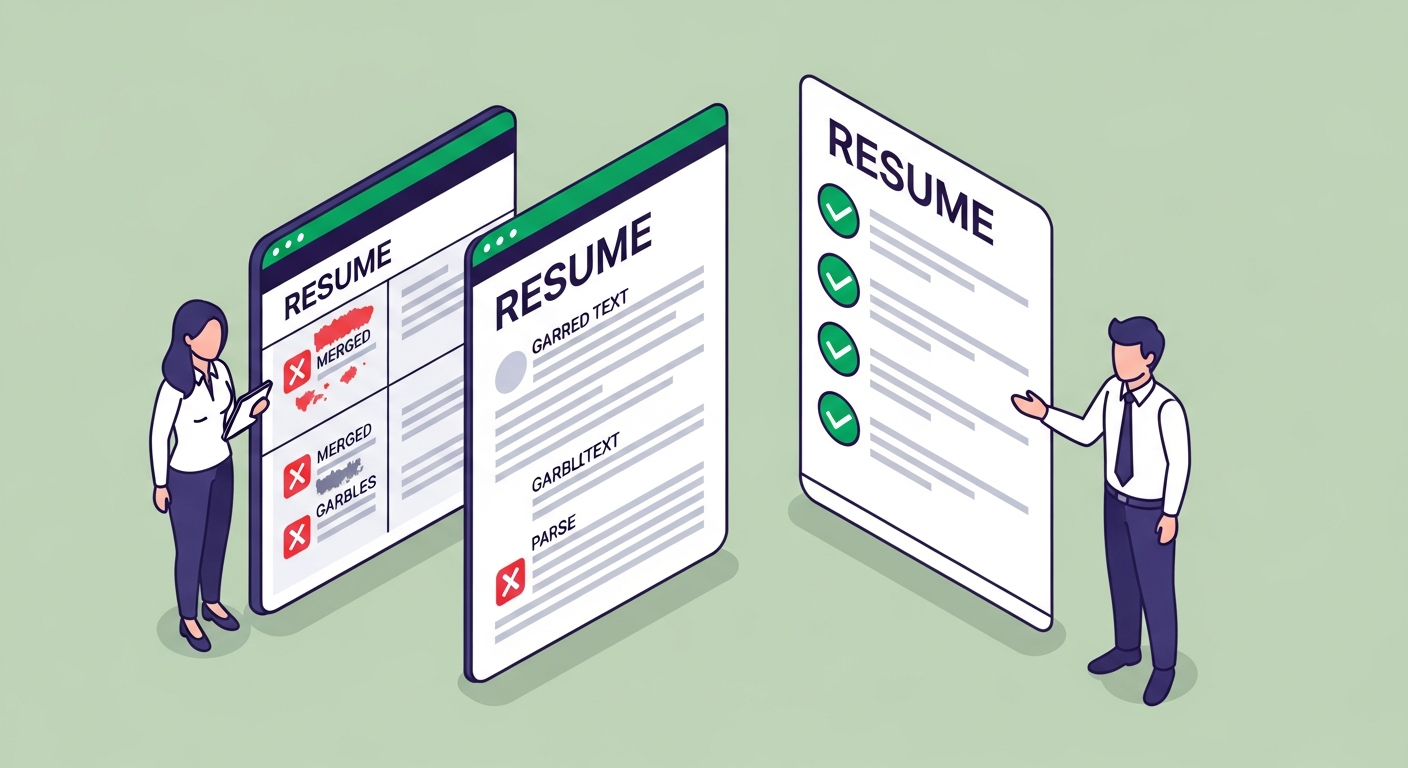
- It scores how much of that content it could actually read. Two-column layouts, text boxes, tables, headers, and footers all cause parsing failures. If your resume uses any of these, the checker may miss entire sections.
- It compares your keywords against a job description you provide, or against a general database of common terms for your field.
- It returns a score — usually out of 100 — plus a prioritised list of issues to fix.
What it is not doing: running your resume through the actual Greenhouse or Workday or Taleo instance the company you're applying to is using. That distinction matters more than most checkers will tell you. (More on the gap in a moment.)
The Six Things AI Checkers Look For
Different tools weight these differently, but these are the variables almost every AI resume checker evaluates. Fix them in this order — the ones at the top affect every keyword on your resume; the ones at the bottom only affect specific words.
1. ATS Parseability
Can the tool read your resume at all? Columns, tables, headers and footers, text boxes, and graphics all cause parsing failures on real ATS platforms. A good checker flags these specifically. A less careful one ignores them and scores your content as if it's fully readable — which it isn't.
The number that should bother you: 1 in 3 resumes submitted through Workday are corrupted during parsing due to columns, tables, or text boxes, according to ATSFixer internal testing. Not "might have a problem." "Probably has one."
2. Keyword Match
This is the most visible check — how many of the keywords from the job description appear in your resume. But the better checkers go further: they verify whether keywords appear in both your skills section and your experience bullets, because most ATS platforms weight keyword frequency and placement. A keyword in your summary and your experience section scores higher than the same keyword appearing once.
Most job seekers don't know this. Most checkers don't explain it clearly. Exact keyword placement is the single most important variable in your ATS score — not just whether a keyword exists, but where it sits on the page.
3. Skills Section Check
The skills section is the most under-used part of a resume. It's where ATS parsers extract structured keyword data — and it scores twice: once as a dedicated parsed field, once in the full-text search. An AI checker will flag a missing or thin skills section because it's a measurable gap with a measurable fix. Building a skills section that moves your score is one of the highest-return edits you can make in under ten minutes.
4. Format and Length
Single-column layout. Standard section headings ("Experience," not "My Career Story"). Clean fonts. Appropriate length — two pages is fine for a 10-year career; one page is not a rule, it's a guideline for early-career candidates. These rules apply to human readers and ATS parsers equally. A good checker scores them directly.
5. Contact Information and Header
Your name, email, phone number, and LinkedIn URL should be in the main body of the document — not in a header or footer. Most ATS platforms skip header and footer content entirely. A checker that doesn't flag this is leaving you exposed to the most avoidable failure on the list. (Also: partyanimal@gmail.com is a separate problem that no ATS checker will solve for you.)
6. Grammar, Tense, and Consistency
Past roles in past tense. Current role in present tense. No spelling errors. No "References available upon request" — they know, and that line could be a keyword instead. The grammar pass isn't the central value of a resume AI checker, but it's a useful baseline check, and most tools do it automatically.
How Accurate Are AI Resume Checkers
Here's the honest version: it depends on whether the tool tests against real ATS output or just simulates it.
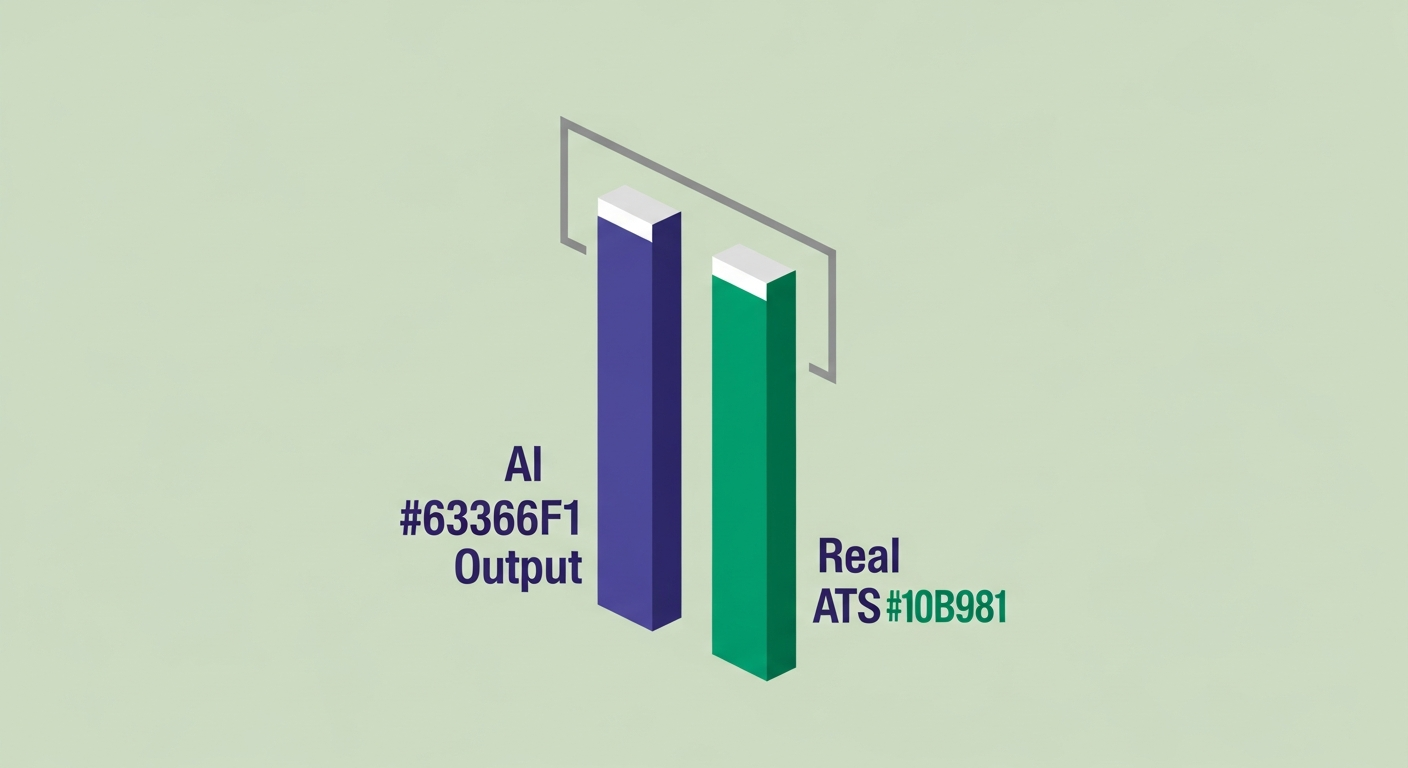
Most tools simulate ATS behaviour based on documented parser rules, published case studies, and keyword matching logic. That's not useless — it catches the obvious formatting failures and keyword gaps that cause most rejections. But it's an estimate, not a measurement.
The gap matters when the tool returns an 80/100 and you feel confident about your resume, but the Workday system at the company you're applying to scores you a 47 because it has a stricter keyword parser and your skills section uses near-synonyms instead of exact phrases.
ATSFixer runs test resumes through Greenhouse, Lever, Workday, Taleo, and iCIMS every week. The scores our checker returns land within ±3 points of actual ATS output on those platforms. Tools that don't do this kind of calibration can be off by 20, 30, sometimes 40 points in either direction — and being off by 40 in the wrong direction is the difference between the recruiter opening your resume and never seeing your name.
This is our strong opinion and we'll back it with a number: a 2021 Harvard Business School and Accenture study of 8 million job postings found that 88% of executives acknowledge their ATS filters out qualified candidates who should have moved forward. The system over-filters on purpose — speed is the design goal, not accuracy. An AI checker calibrated against real platforms gives you the closest thing to seeing what the filter actually sees before you walk into it.
Free ATS Score Check
Your result looks like this —
get yours in 30 seconds.
Drag & drop your resume here
PDF or Word · max 10 MB
Results in under 30 seconds · no sign-up required
The Synonyms Problem
A project manager applied for a role that listed "stakeholder communication" as a required skill. Her resume said "cross-functional collaboration." Same concept. Different words. The ATS looked for the exact string "stakeholder communication," found zero matches, and scored her accordingly. She never made it to the recruiter's screen.
She changed two phrases — not her experience, not her job titles, not a single bullet about what she had actually done. Two phrases, mirrored from the job description. Got the interview. Got the job.
An AI checker that doesn't flag exact-match keyword gaps — that accepts synonyms as equivalent — would have marked this resume as fine. It would have been wrong. This is the single largest failure mode in resume AI checkers: scoring a synonym as a match when the actual ATS will score it as a miss.
Understanding how ATS systems score your resume makes this less abstract: the parser is not reading for meaning. It is matching strings. "Stakeholder communication" and "cross-functional collaboration" are not the same string.
How to Use a Resume AI Checker Without Wasting Your Time
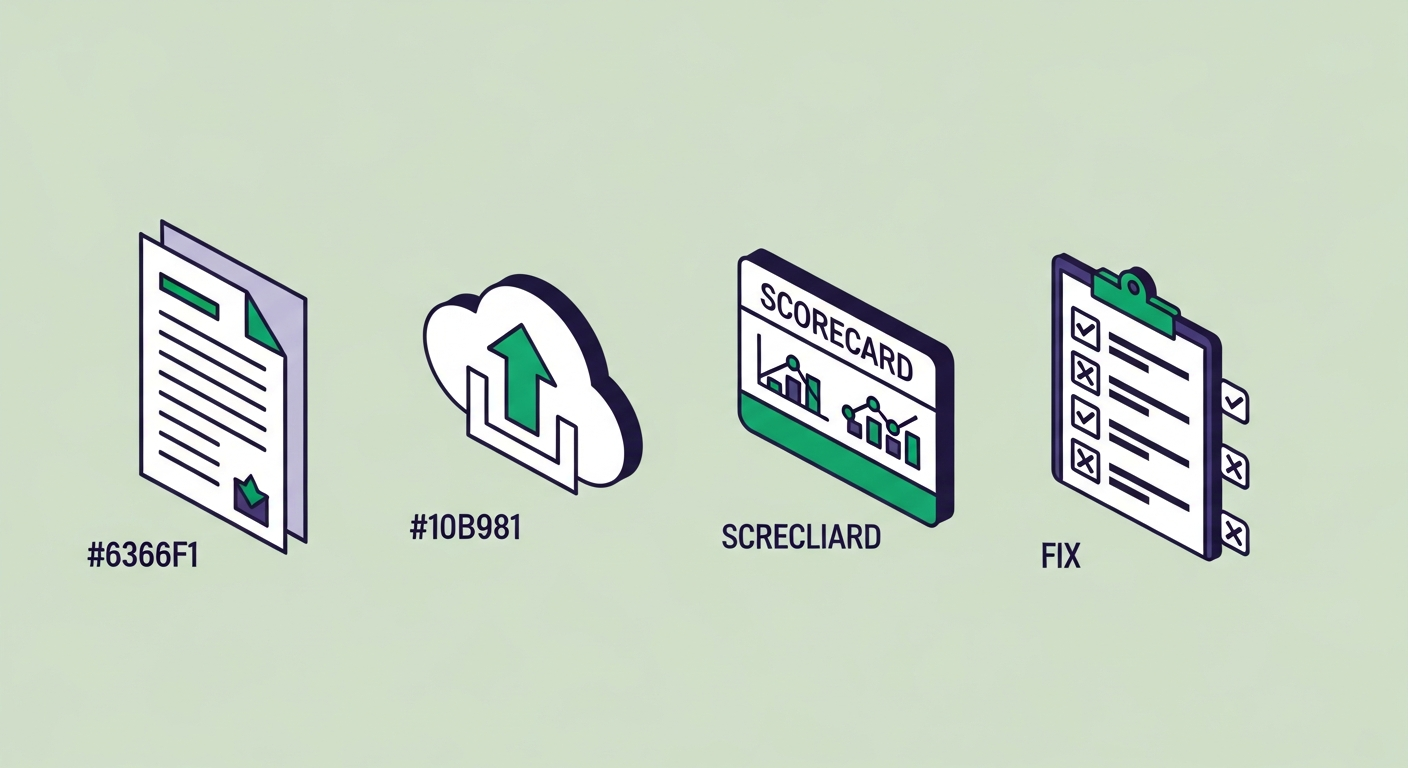
Most people upload their resume, see a number, and either feel relieved or feel terrible. Neither reaction is useful without a plan. Here's the process that actually produces results:
- Upload without a job description first. Get a baseline score. This tells you about formatting failures and general keyword coverage before you optimise for a specific role. Fix these problems first — they affect every application you send.
- Then upload with a job description. This is the match score — how well your current resume aligns with that specific posting. This is the number that matters for that application.
- Fix formatting issues before touching keywords. Columns, text boxes, missing contact information in the body — these are parse failures, not style preferences. A keyword you spent twenty minutes adding scores zero if the parser can't read the section it lives in.
- Mirror exact phrases from the job description. The checker will show you gaps. Don't rephrase them. Don't improve them. Use the exact words the job posting uses. This is the step that feels unnatural and is the one that works.
- Recheck after edits. A score improvement of 15–20 points is realistic after one targeted pass. ATSFixer users average +31 points after a single adaptation.
The full process — baseline scan, formatting fix, keyword pass, recheck — takes about 30 minutes per application. Jobscan's analysis of 1 million+ resume scans found that job seekers who tailor their resume to each application are 3× more likely to get an interview. Thirty minutes to triple your odds is a trade worth making.
(I've made this argument approximately 4,000 times. The people who do the 30 minutes consistently get interviews. The people who send one resume to 80 companies and call it a strategy do not. I'm describing a pattern, not a miracle.)
When NOT to Use a Resume AI Checker
This is the part other tools skip. We won't.
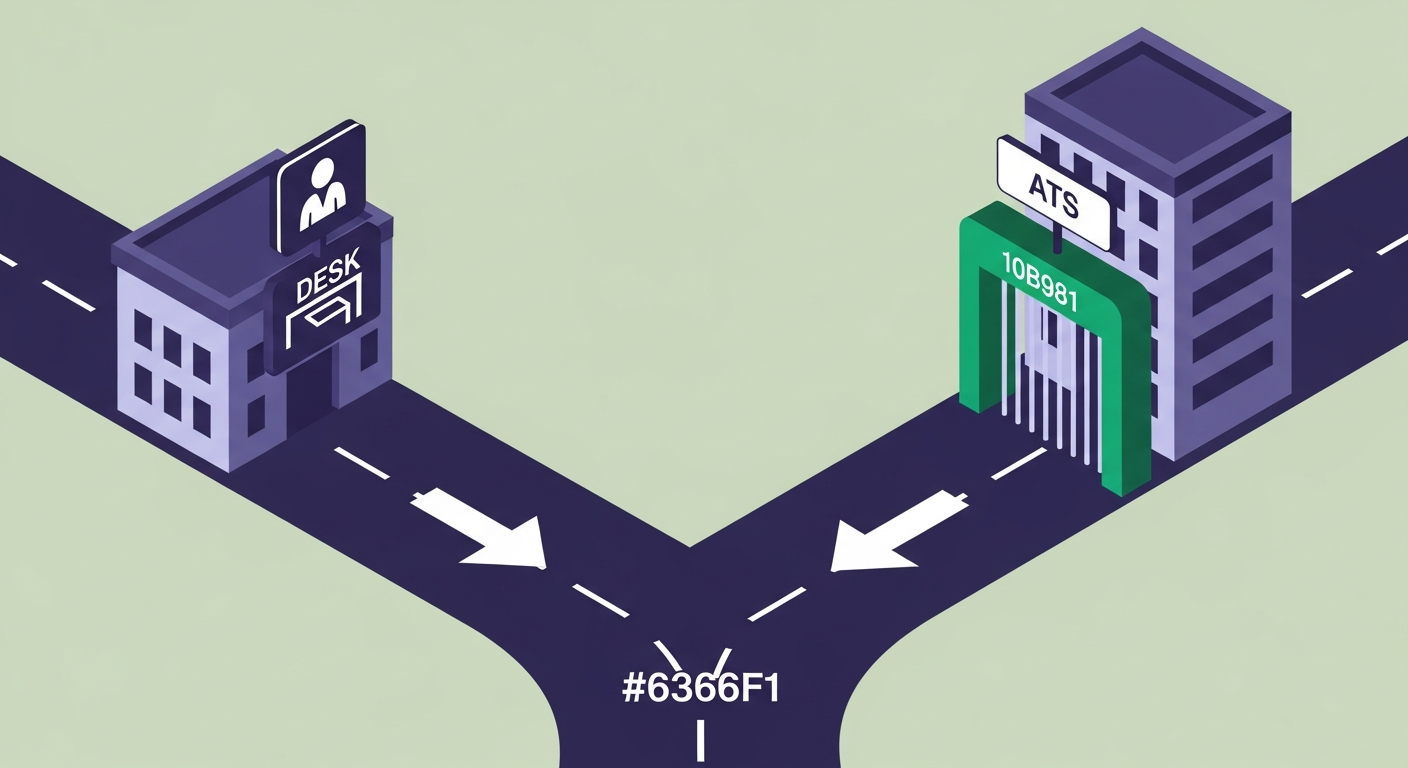
If you're applying to a company with fewer than 50 employees, there's a reasonable chance they don't use an ATS at all. A founder reading resumes at a 12-person startup doesn't have a Greenhouse instance — they have an inbox and a limited amount of patience. Optimising for keyword density at the expense of clean, readable prose works against you in that context.
If a recruiter told you to email your resume directly to a specific person, that document is going to a human inbox. It's not going through a parser. Write for the person, not the algorithm.
The rule of thumb: if you're applying through a company's careers page, LinkedIn, Indeed, or any online application portal, assume there's an ATS and optimise for it. If you're applying via a direct referral or a specific email to a named contact, the ATS checker is the wrong tool. Use a human reader instead.
And if you're sending the same untailored resume to 50 companies because volume feels productive — stop. Fix the document first. Fifty copies of a resume that scores 43/100 produces fifty rejections. Ten tailored applications will outperform that every time.
What to Do With Your Score
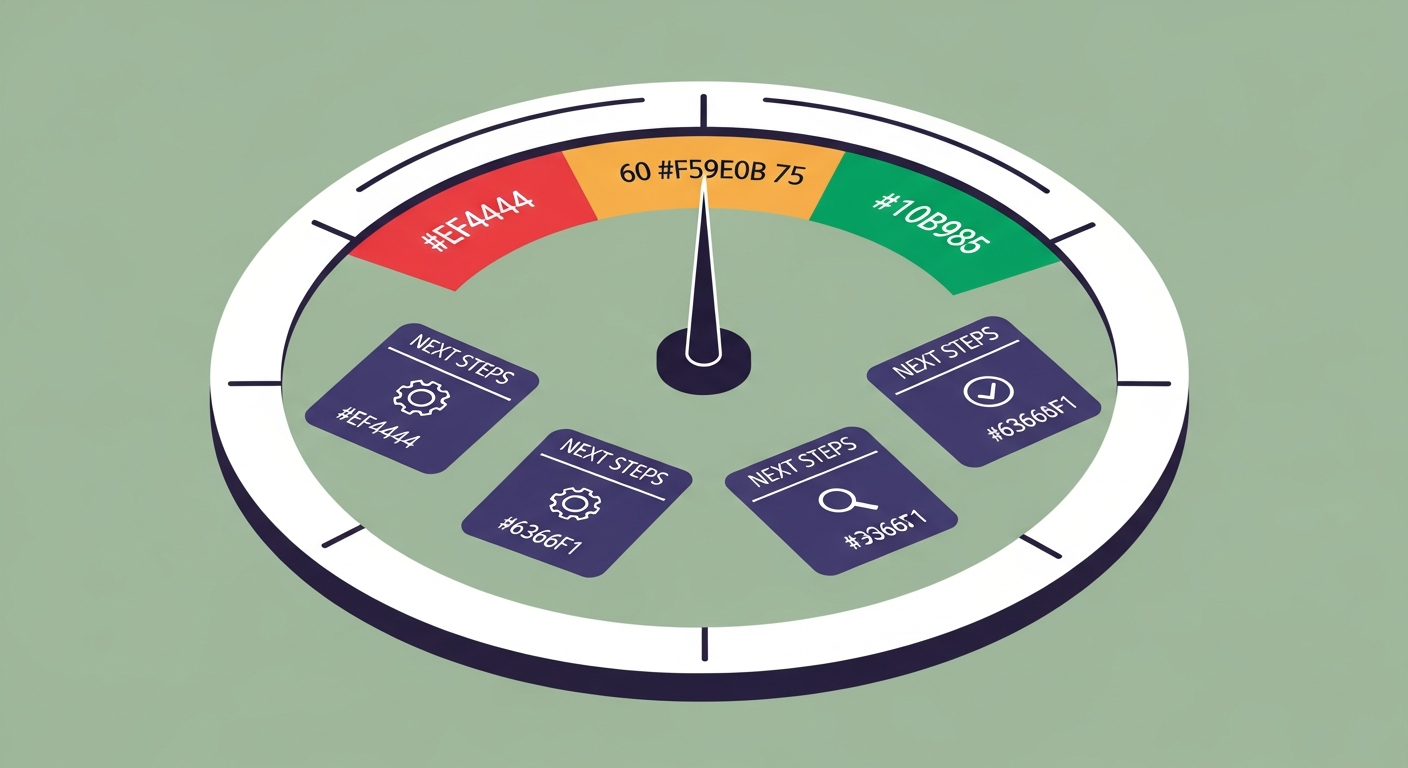
Below 60/100: structural problems. Formatting failures, missing sections, keyword gaps large enough that a real ATS will rank you outside the top candidates before a recruiter scrolls to your name. Fix the formatting failures first — columns, text boxes, header/footer content. Then do a full keyword pass against the job description.
60–75/100: you're in range but not competitive. Your resume will appear on the recruiter's list, but not near the top. A keyword pass targeted at the specific job description you're applying to will close most of this gap. This is the most common score range for people who have a good resume that hasn't been tailored.
Above 75/100: the mechanical work is done. Your resume will be seen. A recruiter sorting by ATS score will open it. What happens next depends on whether the content — the experience, the bullets, the narrative — matches what the algorithm ranked you for.
A recruiter at a 400-person company opens Greenhouse, sorts by ATS score, and reads the top 15. The cutoff is roughly 65/100. Anyone below that number is never opened — not because she made a judgement about their qualifications, but because the list is 250 names long and she has an afternoon. Getting into the top 15 is a formatting and keyword problem. Get your free score and find out exactly where you land before the recruiter makes that decision for you.
If you want to see how ATSFixer compares to other tools before you try it, we've covered the differences in detail: ATSFixer vs Jobscan and ATSFixer vs Jobright AI — covering what each tool actually checks, where the accuracy gaps are, and which use case each one serves best.
Related from ATSFixer
Frequently Asked Questions
A resume AI checker is a tool that parses your resume and scores how likely it is to pass an applicant tracking system (ATS). It checks for formatting issues that prevent parsers from reading your document, missing keywords from the job description, structural problems like absent skills sections, and basic grammar and consistency errors. The score it returns — usually out of 100 — tells you roughly where you stand before a recruiter sees your application.

Gabriel J.
Recruiting Insider & Career Writer
Gabriel spent eight years on the hiring side — sourcing, screening, and rejecting thousands of resumes at a Fortune 500 staffing firm. He switched to writing about it when he realised most job seekers had no idea what was actually happening to their applications.