On this page
- The Short Answer: What Skills to List
- Hard Skills vs. Soft Skills: What ATS Actually Scores
- AI Skills in 2026: The New Non-Negotiable
- How Many Skills Should You List?
- Where to Put Skills on Your Resume
- 400+ Skills by Industry
- How to Show Proficiency Levels
- The ATS Synonym Trap (Most Guides Miss This)
- Five Mistakes That Kill Your Skills Section
- Pre-Submit Checklist
The Short Answer: What Skills to List
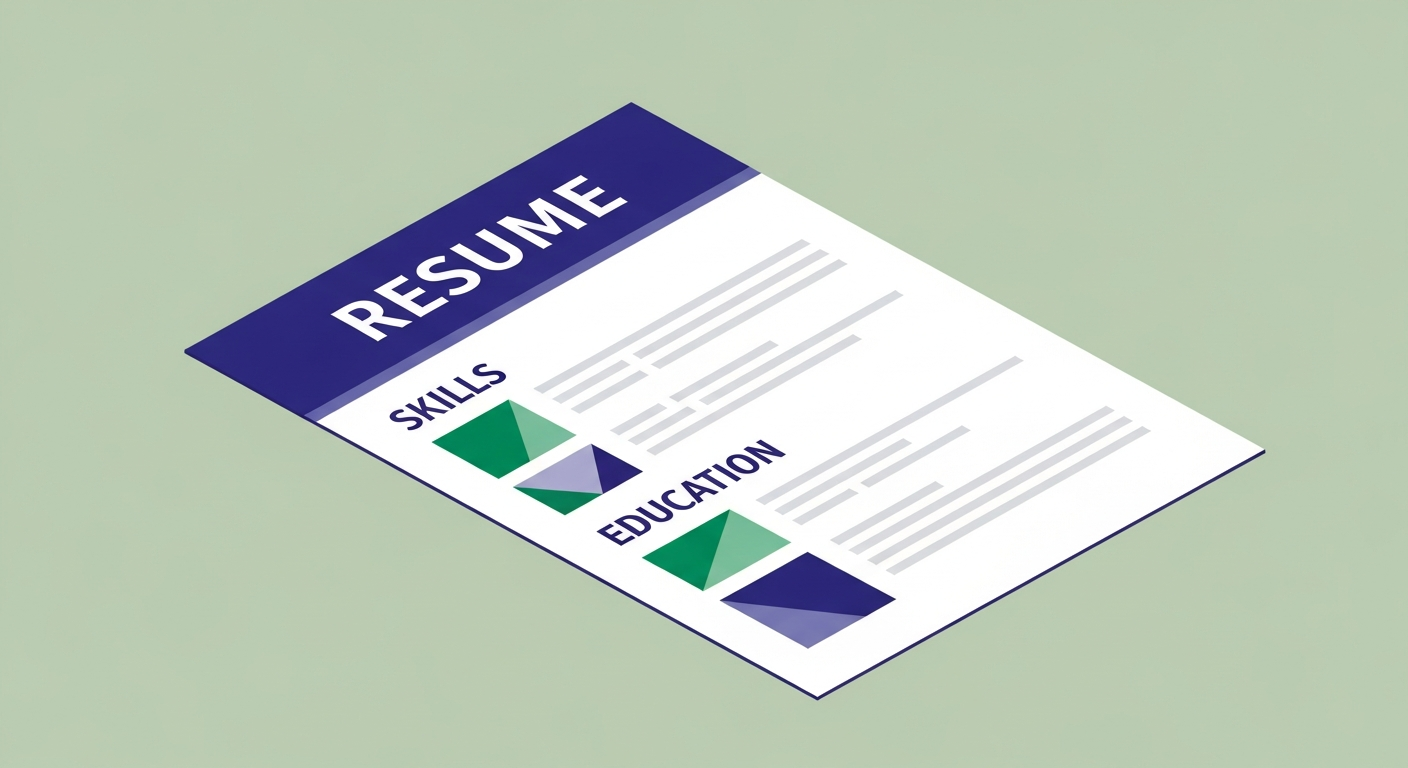
The best skills for resume are the exact keywords from the job description that you can honestly claim. Open the posting, copy every skill listed as required or preferred, cross-reference with your experience, keep what you can back up. That is your list. Everything else in this guide is about doing that more effectively.
I've reviewed 4,000+ resumes. The skills section is the most under-used part of almost all of them — either skipped entirely, mislabelled, or stuffed with "team player" and "results-driven," which is the resume equivalent of describing yourself as "a person who shows up." Technically true. Completely useless to the algorithm.
Here's why it matters more than any other section: every major ATS — Greenhouse, Lever, Workday, Taleo, iCIMS — has a dedicated extraction routine that pulls your skills into a structured database field. A keyword in your skills section scores twice: once as a structured field match, once in the full-text search. The same keyword buried in a work experience bullet scores once, weighted lower. Resumes with a dedicated skills section score an average of 10–15 points higher on ATS screening — ATSFixer internal data, tested against live platforms weekly.
Hard Skills vs. Soft Skills: What ATS Actually Scores
Hard skills
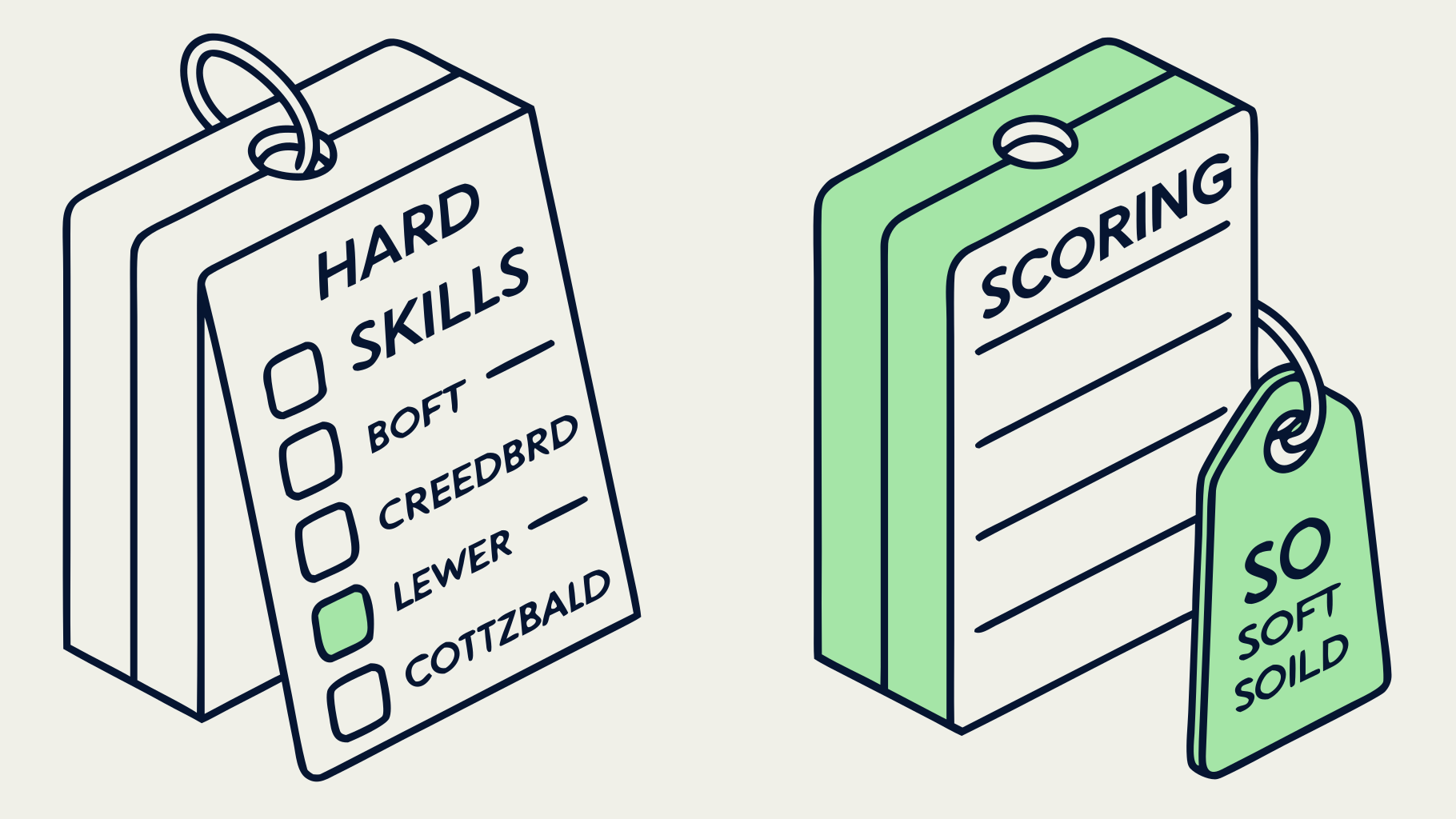
Hard skills are specific, teachable, and verifiable. They're acquired through training, certification, or practice. ATS systems score them because recruiters search for them: "Python," "Salesforce CRM," "Google Analytics 4," "GAAP," "HIPAA compliance." These are the strings the algorithm looks for.
Examples by category:
- Technical: Python, SQL, JavaScript, AWS, Docker, REST APIs, Kubernetes
- Tools: Salesforce, HubSpot, Tableau, Excel, Jira, Asana, SAP
- Certifications: PMP, CPA, AWS Solutions Architect, Google Analytics Certified
- Domain knowledge: GAAP, HIPAA, ISO 9001, FP&A, DCF modeling
Soft skills
Soft skills are interpersonal and behavioural: communication, leadership, adaptability, problem-solving. They matter — but not in the skills section. "Strong communicator" appears on roughly 80% of resumes. The algorithm learned to ignore it. You could say I have a lot of feelings about bullet points that waste space on phrases no recruiter has ever searched for. (I do. This is one of them.)
Prove soft skills in your bullets instead: "Led cross-functional team of 12 to deliver $2M product relaunch 3 weeks ahead of schedule" proves leadership. "Leadership" as a standalone bullet proves you typed the word.
Transferable skills
There is a useful middle category: transferable skills that appear in job descriptions as searchable phrases. Project management, data analysis, stakeholder communication, budget management, process improvement. These belong in your skills section. Pair them with tools where possible: "Project Management (Jira, Asana)" scores higher than "Project Management" alone because it gives the parser two more exact-match targets.
Rule of thumb: if a recruiter could search for it in Greenhouse and expect to find a qualified candidate, it's a hard skill worth listing. If it's something you'd say about yourself at a dinner party, prove it in a bullet instead.
AI Skills in 2026: The New Non-Negotiable
This section didn't exist two years ago. It does now. According to recent hiring data, 27.2% of workers already list skills they perform with AI assistance — and that number is rising fast. Recruiters aren't looking for people who fear AI or people who blindly trust it. They're looking for people who use it with intention.
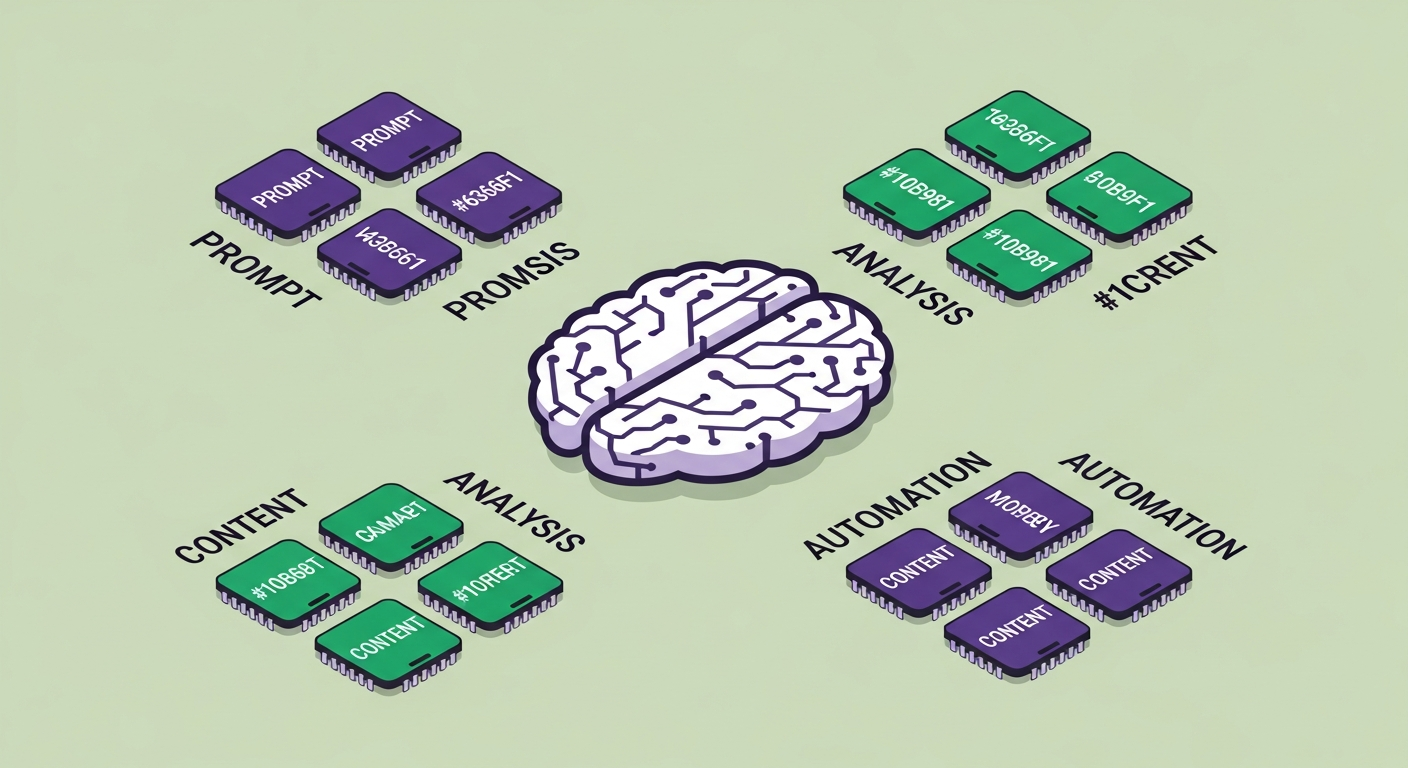
AI skills that are genuinely searchable in 2026 job descriptions:
- AI literacy: prompt engineering, ChatGPT, Claude, Gemini — list the specific tools you use
- AI-assisted analysis: using Copilot in Excel, AI in Tableau, or LLMs for data interpretation
- Machine learning basics: for data and engineering roles — scikit-learn, TensorFlow, Hugging Face
- AI content tools: for marketing roles — Jasper, Midjourney, Runway, ElevenLabs
- AI workflow automation: Zapier AI, Make, n8n, Microsoft Power Automate
Importantly: list the specific tool, not the category. "AI literacy" is vague. "ChatGPT for research and drafting, Claude for data analysis" is searchable. The more specific the term, the higher the exact-match score.
One honest caveat: don't list AI tools you've opened once. The interview will find that gap faster than any ATS will.
How Many Skills Should You List?
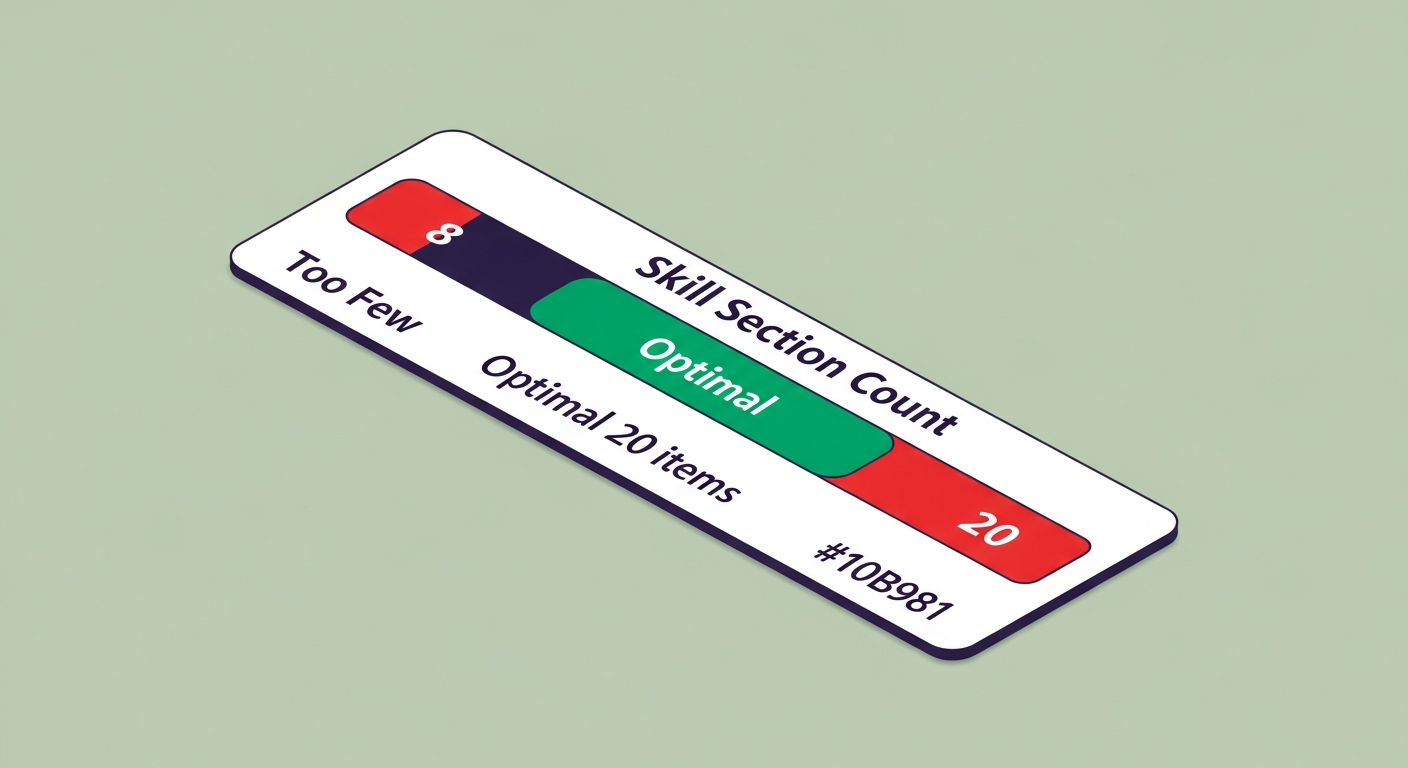
Most sources recommend 8–10 skills. That's a reasonable floor for entry-level candidates — and if you're building your first resume with no work history, the skills section is often the most load-bearing part of the document. The guide on how to make a resume with no work experience covers how to structure the section when your experience bullets are thin. For mid-career and senior roles, 12–20 is more appropriate — enough to cover the required and preferred skills in a job description without tipping into keyword-dump territory.
The rule isn't a number. It's coverage. Every required skill in the job description should appear in your section if you can honestly claim it. Every preferred skill too, if it's true. Once you've covered those, stop. A 40-item skills list reads as padding to both the algorithm and the recruiter.
Research from Enhancv's analysis of over 1 million resumes found the ideal range is 8–15 for most roles. The outliers — very short lists or very long ones — both underperform.

Where to Put Skills on Your Resume
Skills belong in two places: a dedicated section and woven into your experience bullets. The section gives the parser a structured field to score. The bullets give the recruiter proof you can use what you listed. You need both.
Where the section lives
- Mid-career and senior: after work experience. Your history is the headline. Skills fill in technical detail after the recruiter knows you're worth reading.
- Entry-level and career changers: before work experience. Surface relevant capabilities before the recruiter hits a thin or mismatched work history.
Format
Use plain text. A single-column layout with pipe separators (SQL · Python · Tableau) or a comma-separated list parses correctly on every major ATS. Tables do not — older Taleo and iCIMS installs can't extract text from table cells reliably. The beautifully formatted grid that looks clean in Word becomes garbled noise in the database.
The resume that looks most impressive as a PDF is often the one that scores worst. Design is not a ranking signal. Keywords in a parseable structure are.
Label it correctly
"Technical Proficiencies" and "Core Competencies" parse fine — those are recognisable. "What I Bring," "My Toolkit," or "Superpowers" do not. The safest label is "Skills." One word. Every parser knows what to do with it.
Free ATS Score Check
Your result looks like this —
get yours in 30 seconds.
Drag & drop your resume here
PDF or Word · max 10 MB
Results in under 30 seconds · no sign-up required
400+ Skills by Industry
Use these as a starting point. Always adjust to match the exact phrasing in the job description — the specific terms below are what appear in real job postings, but individual companies vary. The closer your language matches the posting, the higher the exact-match score.
Software Engineering
- Python · JavaScript · TypeScript · React · Node.js · SQL · AWS · GCP · Azure · Docker · Kubernetes · CI/CD · REST APIs · GraphQL · Git · Agile · System Design · Microservices · Terraform
Data & Analytics
- SQL · Python · R · Tableau · Power BI · Looker · Excel · A/B Testing · Statistical Analysis · Machine Learning · ETL · Data Modeling · dbt · BigQuery · Snowflake · Spark · Pandas · scikit-learn
Marketing
- Google Analytics · GA4 · HubSpot · Salesforce · SEO · SEM · Meta Ads · Google Ads · Klaviyo · A/B Testing · CRO · Content Marketing · Marketing Automation · SQL · Looker Studio · Email Marketing · Paid Social
Finance & Accounting
- GAAP · Financial Modeling · Excel · QuickBooks · NetSuite · SAP · Variance Analysis · FP&A · Budgeting · DCF · M&A · Bloomberg Terminal · CPA · IFRS · Accounts Payable · Accounts Receivable · Audit
Project Management
- PMP · Agile · Scrum · Kanban · Jira · Asana · Monday.com · Risk Management · Stakeholder Management · Budget Management · MS Project · PRINCE2 · Waterfall · OKRs · Change Management · Resource Planning
Sales
- Salesforce CRM · HubSpot · Outreach · SalesLoft · Gong · Cold Calling · Account Management · Pipeline Management · B2B Sales · SaaS Sales · Enterprise Sales · Forecasting · SDR · AE · Solution Selling · MEDDIC
Healthcare
- EMR · EHR · HIPAA · Epic · Cerner · Meditech · Patient Assessment · ICD-10 · CPT Coding · Clinical Documentation · CPR · BLS · ACLS · Care Coordination · Telehealth · Case Management
Human Resources
- HRIS · Workday · ADP · BambooHR · Talent Acquisition · Onboarding · Performance Management · Employee Relations · Compensation & Benefits · FMLA · SHRM-CP · PHR · Succession Planning · DEI
Design & UX
- Figma · Sketch · Adobe XD · InVision · Photoshop · Illustrator · After Effects · User Research · Wireframing · Prototyping · Usability Testing · Design Systems · Accessibility (WCAG) · Motion Design
Customer Service
- Zendesk · Intercom · Salesforce Service Cloud · Freshdesk · CRM · Conflict Resolution · De-escalation · SLA Management · CSAT · NPS · Ticket Management · Live Chat · Technical Support
Operations & Logistics
- Supply Chain Management · ERP · SAP · Oracle · Lean · Six Sigma · Process Improvement · Inventory Management · Vendor Management · KPI Reporting · Demand Planning · Warehouse Management Systems
Legal
- Contract Drafting · Legal Research · Westlaw · LexisNexis · Litigation Support · Compliance · Regulatory Affairs · Due Diligence · Corporate Law · IP Law · Employment Law · E-Discovery · Clio
Education
- Curriculum Development · Google Classroom · Canvas · Blackboard · Differentiated Instruction · IEP · Classroom Management · Assessment Design · Special Education · ESL · EdTech · Learning Management Systems
One pattern holds across every field: "Marketing automation" scores lower than "Klaviyo" if the job description says Klaviyo. Drill down to the specific tool name wherever you can. The Bureau of Labor Statistics Occupational Outlook Handbook is a reliable reference for standard skill terminology by role — it uses the same language employers use in postings.
How to Show Proficiency Levels
Not all guides cover this, but it matters — especially for technical roles. If you're listing skills at different depths, signal that clearly rather than letting the recruiter guess.
Two practical approaches:
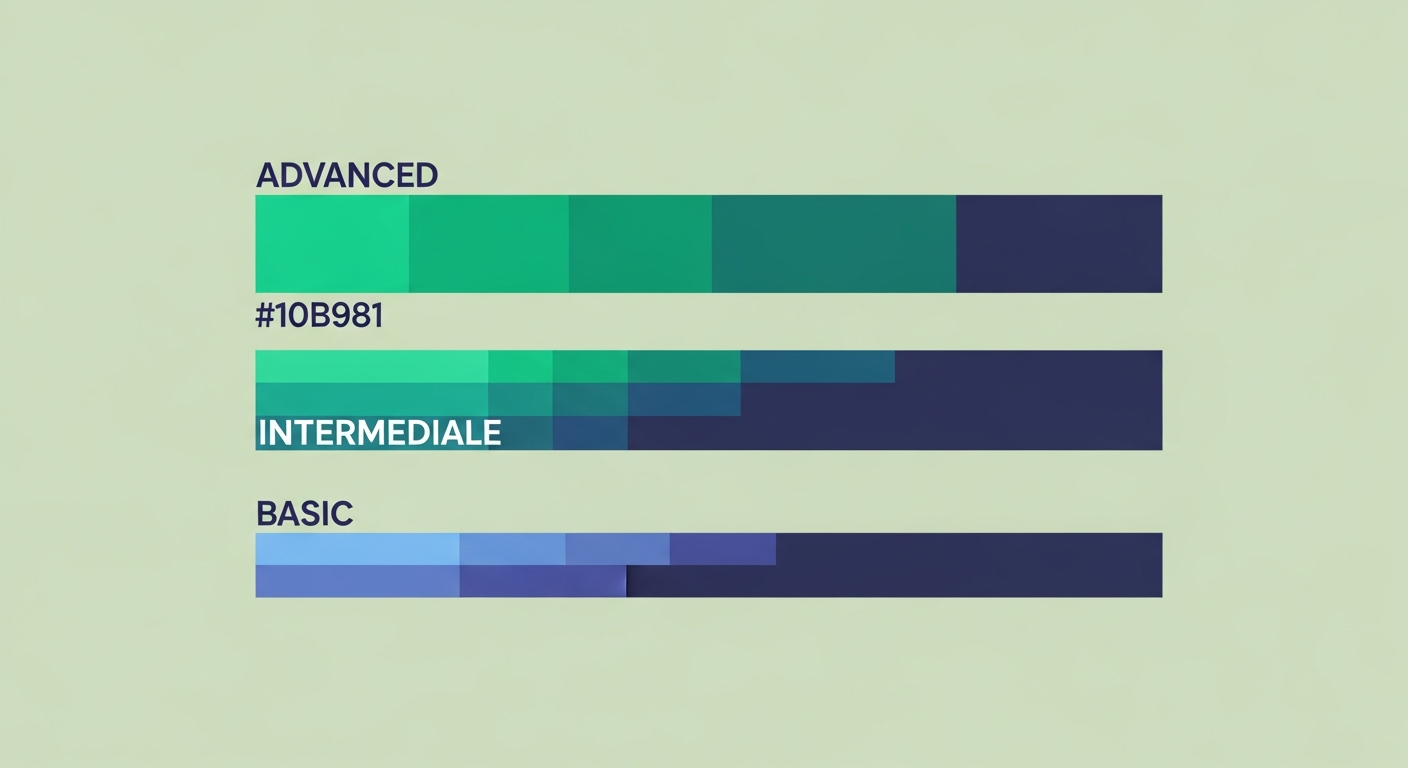
- Inline qualifier: Python (advanced) · R (intermediate) · Julia (basic)
- Grouped by level: Advanced: Python, SQL, Tableau — Intermediate: R, Power BI — Familiar: Julia, Spark
Avoid vague descriptors like "proficient" or "experienced" — they mean nothing and take up space. Use advanced, intermediate, or basic. Or skip the qualifier entirely for skills where you're clearly at a working level.
The NIH uses a five-tier framework (Awareness, Novice, Intermediate, Advanced, Expert) for technical skill assessment. For resume purposes, three tiers is enough. The interview will calibrate the rest.
The ATS Synonym Trap (Most Guides Miss This)
This is the section most resume guides don't explain, and it's why otherwise strong candidates get filtered. ATS systems do exact-match keyword scoring on most fields. Synonyms — even perfect ones — score zero.
One company writes "paid search." Another writes "Google Ads." Another writes "SEM." To a human, these are interchangeable. To an ATS, they are three different strings. If the job description says "stakeholder communication" and your resume says "cross-functional collaboration," the system finds zero matches for that requirement. You score lower. The recruiter never sees your name.
According to Jobscan's ATS research, over 98% of Fortune 500 companies use an ATS — and the synonym problem is one of the top reasons qualified candidates get filtered before human review.
The fix: mirror the job description's exact language. Read the posting, identify the specific strings used for each skill, use those strings on your resume. Not your preferred phrasing. Theirs.
This is also why a generic resume sent to 50 companies underperforms. An unemployed job seeker running a full-time search should be sending 15–25 applications per week — but each one needs its skills section adjusted to mirror that specific posting. One person went through two weeks and 27 applications with the same untailored resume and got zero callbacks. In week three, she tailored her skills section to a single posting — exact phrases, restructured section, removed the two-column layout. Three interview requests in four days. Same experience. Different strings. A Jobscan analysis of over 1 million resume scans found tailored resumes are 3× more likely to get an interview.
Five Mistakes That Kill Your Skills Section
I see these in most of the 4,000+ resumes I've reviewed. All fixable in under an hour.
1. Listing skills everyone has. Microsoft Word, email, internet research — recruiters call these table stakes. Listing them signals padding, which reads as inexperience. Replace them with the hard skills that demonstrate the same competence at a higher level.
2. A 40-item skills dump. More items doesn't mean a higher ATS score. After you've covered the required and preferred skills from the job description, every additional item dilutes your signal. Recruiters notice. Keep it under 20.
3. Skills with no proof. SQL in your skills section and nowhere in your bullets means the recruiter has no evidence. List it, then prove it. Same keyword, two places, two scoring events, one argument.
4. Listing skills you can't defend in the room. The interview finds every gap. A two-hour Tableau tutorial five years ago is not "Tableau (intermediate)." It's a liability question waiting to happen.
5. Static skills sent to every company. Every job description uses slightly different keywords. A tailored skills section takes ten minutes to update per application. The average ATS score improvement from tailoring is +31 points — ATSFixer data, tested against live platforms. That's the difference between position 47 on a recruiter's list and position 6.
Pre-Submit Checklist
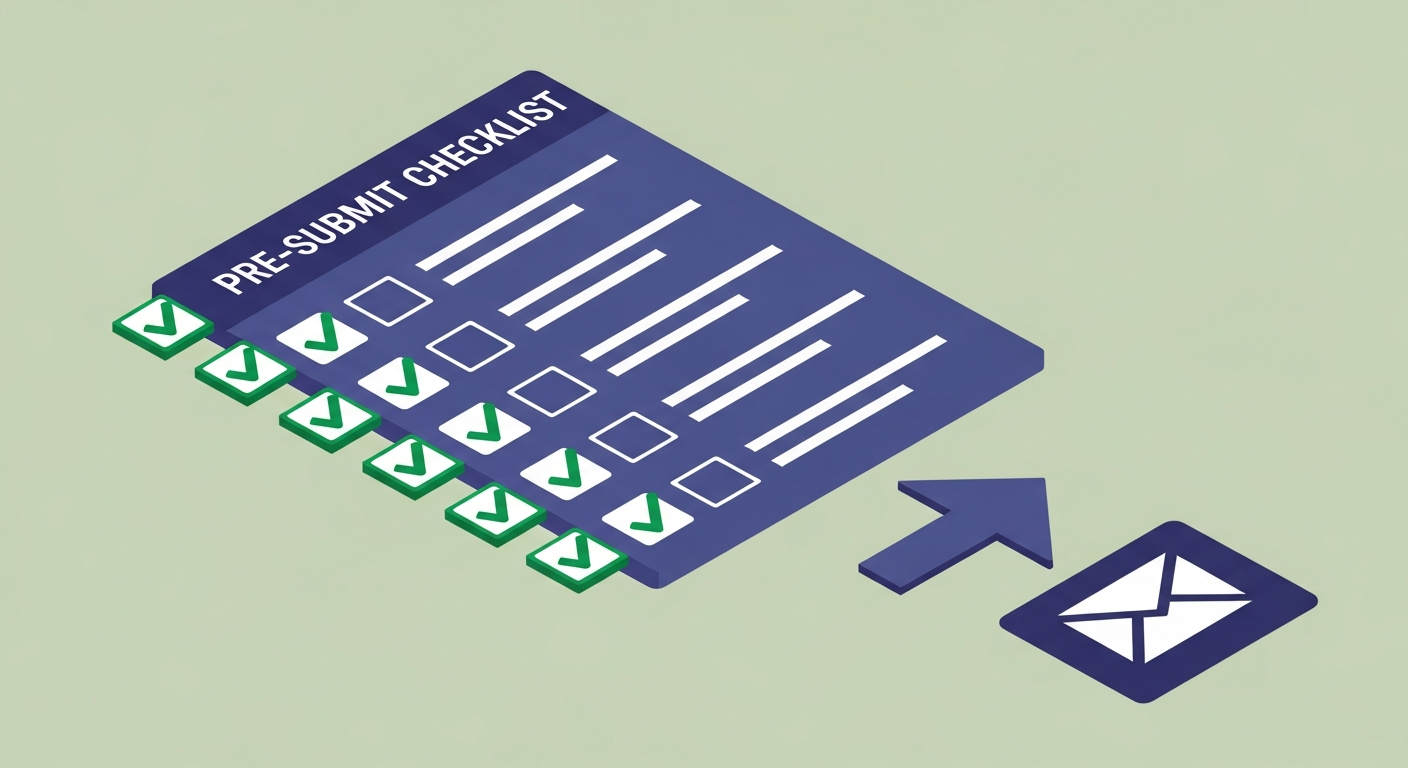
Eight questions. Fix any "no" before you submit.
- Is the section labelled "Skills" or a recognisable variant?
- Does every required skill from the job description appear in your section?
- Are preferred skills included if you can honestly claim them?
- Is everything plain text — no tables, no columns that break parsing?
- Do your experience bullets prove at least your top three skills?
- Did you use the exact phrasing from the job description, not your preferred synonym?
- Did you cut skills that are obvious, dated, or impossible to defend in an interview?
- Is your section under 20 items?
If you want to skip the manual check, paste your resume into ATSFixer. It runs against the actual job description, flags every missing exact-match keyword, and scores your resume before you submit. Takes 30 seconds. My 14-year-old thinks that's embarrassing to advertise. She's wrong, but I've learned to pick my battles.
Related from ATSFixer
Frequently Asked Questions
The best skills are the exact keywords from the job description that you can honestly claim. Beyond that, the highest-value skills in 2026 across most industries are: AI tool proficiency (list specific tools — ChatGPT, Claude, Copilot), data analysis, Python or SQL for analytical roles, project management with named tools (Jira, Asana), and role-specific technical certifications. The more specific the term, the higher the ATS match score.

Mina N.
Career Coach & Resume Strategist
Mina holds a Master's in Organisational Psychology and has coached over 600 mid-career professionals through layoffs, pivots, and promotions. She focuses on the intersection of self-presentation and the systems that evaluate it — because sounding good on paper is only half the battle.