On this page
- The Five Sections Every Resume Needs
- Contact Information: What Goes There and What Doesn't
- Resume Summary vs. Objective: One of These Scores Better on ATS
- Work Experience: Where Most of Your Keyword Weight Lives
- Education: Where It Goes Depends on How Recent It Was
- The Skills Section: The Most Under-Used Part of Almost Every Resume
- Optional Sections: Which Ones to Include and Which to Skip
- How Resume Section Order Changes by Career Stage
- The Section Labels That Break ATS Parsers
The sections of a resume are not a mystery. Contact information at the top. Work experience below. Education near the end. Most people know the rough shape before they've ever written one.
What most people don't know is that ATS software doesn't read all sections the same way. Some sections — work experience, education, skills — are parsed as structured fields and scored against the job description. Others are treated as free text and mostly ignored by the algorithm. And certain sections, when given the wrong heading, confuse the parser enough that their content gets filed under "other" — and scored nowhere. (It's the kind of thing that feels like it should be obvious until you see the data.)
This guide covers which sections belong on every resume, which optional ones actually help, how the order should shift depending on where you are in your career, and the one naming habit that quietly tanks parsing scores for candidates who have no idea it's happening.

The Five Sections Every Resume Needs
Every resume needs five sections, in some form, regardless of career stage or industry:
- Contact information — your name, professional email, phone, and LinkedIn URL
- Professional summary or objective — 2–4 sentences at the top framing your candidacy
- Work experience — roles, employers, dates, and bullet-point accomplishments
- Education — degree, school, and graduation year
- Skills — a dedicated list of technical and job-specific competencies
These five appear on every job application, they map to the structured fields most ATS platforms expect, and skipping any one of them creates a parsing gap that downgrades your match score before a human ever reads your name.
Beyond those five, everything else is optional. Certifications, languages, volunteer work, publications, projects — all useful in the right context, all padding in the wrong one.
The question most resume guides skip: which of these five sections carries the most keyword weight? Work experience carries the most, followed by the skills section. The summary carries the least. Knowing that changes how much time you spend on each one.

Contact Information: What Goes There and What Doesn't
Your contact information section should include:
- Full name (larger font — not bolded separately, just sized up)
- Professional email address — firstname.lastname@gmail.com, not the one you made in 2009
- Phone number with area code
- LinkedIn URL, shortened to linkedin.com/in/yourname
- Location: city and state only — no street address
Full street addresses are not standard in US hiring and introduce privacy risk for no benefit. City and state — or just the metro area — is sufficient.
Leave out: photos, date of birth, social security numbers, marital status, and headshots. These are not standard in US hiring. In some jurisdictions they increase legal risk for employers, which means some HR teams discard resumes that include them.
If you're applying across state lines, list only the metro area. Some employers filter for local candidates first, and specifying a distant city can trigger that filter before a human sees your application.
Resume Summary vs. Objective: One of These Scores Better on ATS
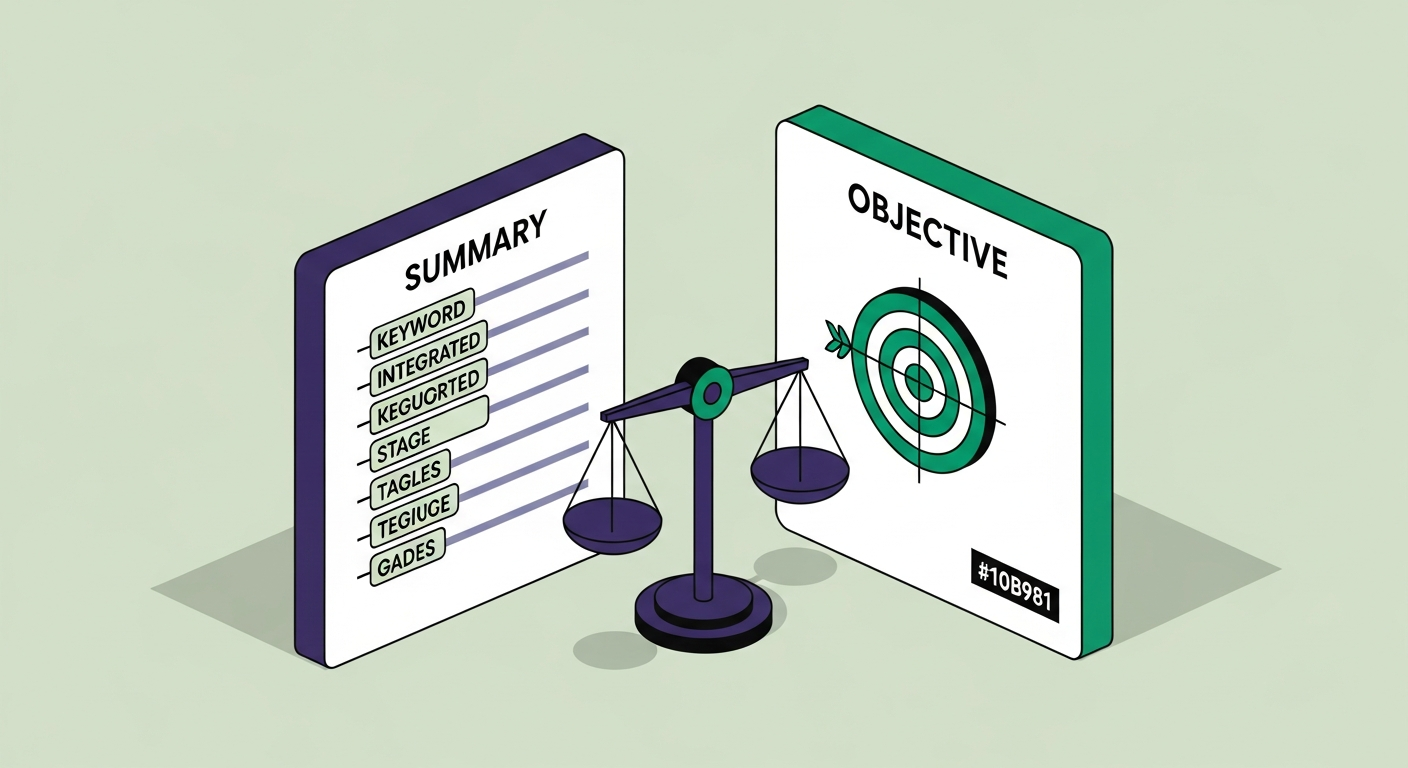
The resume summary is a 2–4 sentence block at the top of the resume. The resume objective is a 1–2 sentence statement of what you're looking for. They're often treated as interchangeable. They're not.
A summary that mirrors the language in the job description picks up keyword matches from the first paragraph — giving your resume a relevance boost before the algorithm even reaches work experience. An objective that reads "Seeking a challenging role where I can grow" picks up zero matches and wastes the highest-visibility real estate on the document.
Use a summary. Write it specifically for each role. If the job description uses "cross-functional collaboration" and you have it, put that phrase in the summary. The algorithm will find it there and again in your work experience bullets, reinforcing your match score from two locations at once.
The exception: if you're a recent grad with limited work history, a brief objective that names the specific role and one concrete skill you bring is more useful than a hollow summary that has nothing to reference.
On ATSFixer, the summary is one of the fields we compare against the job description when calculating your free score — it's weighted as part of the initial keyword pass.
Work Experience: Where Most of Your Keyword Weight Lives
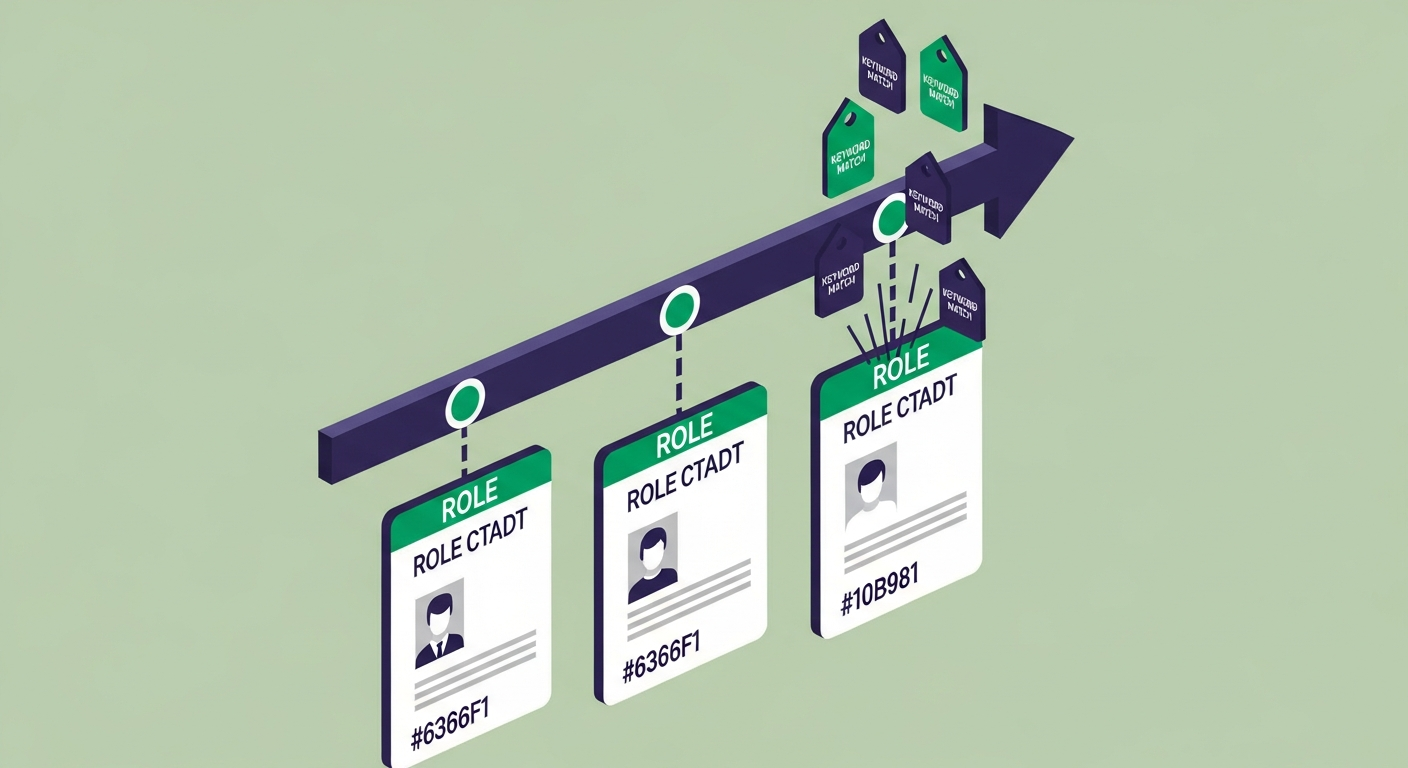
Work experience is the most keyword-rich section on the resume. ATS platforms parse it as structured data: employer name, job title, dates, and the bullet-point descriptions underneath each role. The bullet points are where most of the scoring happens.
Each bullet is scanned for keywords that match the job description. Exact phrases count more than synonyms. "Project management" scores better than "managed projects" against a job description that uses the former term. ATS software does not give credit for paraphrasing the same concept. It matches text.
Three things that move the needle without padding your bullet points:
Reverse chronological order, always. Most ATS platforms assume this structure. If your dates run oldest-to-newest, some parsers misread the most recent role as the earliest one, which affects how your experience is weighted against job requirements.
Quantify where you can. "Reduced customer wait time by 18%" outperforms "improved customer service" — not because the algorithm scores numbers specially, but because humans reading the shortlist use those figures to calibrate whether to call. The algorithm gets you to the shortlist. The human decides whether to pick up the phone. (There's a lesson there about knowing your audience, but I'll resist the urge.)
Titles matter more than you think. If your last title was "Marketing Coordinator" but the role you're applying for calls for "Marketing Manager," that gap registers. You can't change the title. What you can do is write bullets using the language from the target role's description, so the keyword match closes some of the title gap.
For an in-depth look at how each bullet gets scored, see our guide on how ATS systems work.

Education: Where It Goes Depends on How Recent It Was
The education section gets simpler once you have two or more years of work experience: degree, school, graduation year. That's the entry. GPA only if it's above 3.5 and you graduated within the last three years. Coursework, honor society, dean's list — drop them once you have substantive jobs to show. (Nobody is checking. Unless your GPA was a 3.9, in which case: fair.)
Where education goes on the page depends on your career stage:
- Recent grad (0–2 years out): Education sits above work experience. Your degree is still the strongest credential you have.
- Early-career (2–5 years out): Education moves below work experience. Your job history now outranks your GPA.
- Mid-career and beyond: Education goes near the bottom. Ten years of professional experience says more than a graduation year.
What to include per entry: degree name, major, school name, and graduation year. If you have multiple degrees, list most recent first. If you're currently enrolled, write "Expected May 2027" instead of leaving it blank.
Leave out your high school diploma once you have a college degree. Leave out the graduation date if you're more than 15 years out — it's not required, and listing it only signals age to a parser that doesn't need to know.
Free ATS Score Check
Your result looks like this —
get yours in 30 seconds.
Drag & drop your resume here
PDF or Word · max 10 MB
Results in under 30 seconds · no sign-up required

The Skills Section: The Most Under-Used Part of Almost Every Resume
The skills section is the most under-used part of almost every resume. Most candidates list six to eight soft skills and call it done. The problem is that ATS systems largely ignore soft skills. What they score are hard skills — specific, job-relevant technical competencies that exactly match terms in the job description.
Hard skills listed in a dedicated skills section that also appear in your work experience bullets score higher than skills mentioned in only one location. That overlap is what makes the skills section worth building out carefully. If "Salesforce" appears in the job description, it should appear in your skills list and in at least one experience bullet. The algorithm finds the match twice — in two separate scored sections — rather than once.
What a strong skills section looks like: a clean list of 12–20 hard skills, grouped by category if you have more than 15. Tools and platforms (Salesforce, Google Analytics, Asana). Technical competencies (SQL, Python, financial modeling). Certifications worth shortcutting (PMP, CPA, AWS Solutions Architect).
What it doesn't look like: "team player," "detail-oriented," "excellent communicator." These match nothing against job descriptions that don't use those exact phrases, and job descriptions almost never do.
The rule: read the job description, pull every technical skill they mention, and add those exact terms to your skills section — not near-synonyms, the exact terms. An employer who writes "Excel" and sees "Microsoft Office Suite" on your resume has not necessarily produced a match. The algorithm may not equate them. For more on building out this section, see our post on skills to put on a resume.
For a full breakdown of which keywords carry the most weight and where to place them, see our guide on resume keywords.

Optional Sections: Which Ones to Include and Which to Skip
Beyond the five mandatory sections, several optional ones are worth including — when they add something the rest of the resume doesn't.
Certifications and licenses. Include any time the job description mentions one specifically, or when your industry treats it as a minimum bar. PMP for project management. CPA for accounting. AWS certs for cloud engineering. List certification name, issuing body, and year earned. Active status matters — expired certifications belong off the resume.
Projects. Useful for career changers, recent grads, or anyone whose job titles don't reflect the work they actually did. A software engineer who built a production SaaS tool on the side has relevant experience that won't appear in a "Technical Support Analyst" bullet list.
Languages. Include if you're fluent or professional working proficient. Skip if you're conversational — it raises expectations that get awkward fast. Use standard proficiency descriptors: Native, Fluent, Professional Working Proficiency.
Volunteer work. Include when it's recent (last three years), relevant to the role, or fills a gap in paid employment.
Publications and presentations. Include in academic, research, or thought-leadership roles. Skip in most other contexts — it adds length without improving your match score.
Leave out: hobbies, references, social media handles except LinkedIn, and anything that reveals age, religion, national origin, or family status. None of it scores keyword matches and all of it creates legal exposure for the employer.
How Resume Section Order Changes by Career Stage
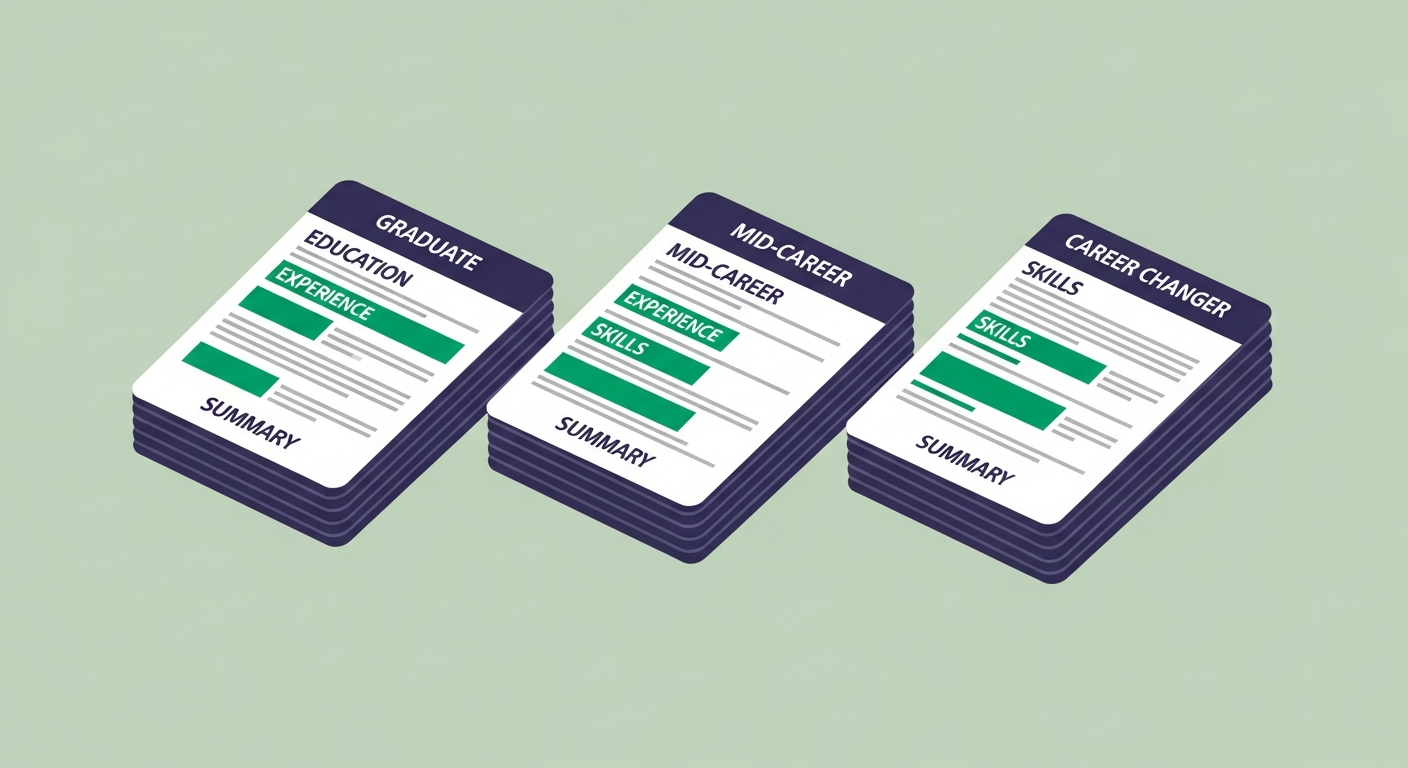
Resume section order is not fixed. The standard template — contact, summary, experience, education, skills — is a sensible default for mid-career professionals with consistent work history. It is not a universal rule.
Recent grad: Contact → Education → Skills → Work Experience (internships, part-time) → Projects. Your degree is the main event. Lead with it.
Career changer: Contact → Summary → Skills → Work Experience → Education. The summary and skills section do the reframing work — they tell the reader what kind of candidate you are before the reader sees job titles that don't match the target role. (The resume equivalent of "let me set some context before you get to the titles.")
Long career with older roles: Contact → Summary → Work Experience (last 10 years only) → Skills → Education. Anything beyond 10–15 years can be truncated to company and title only, or cut entirely. Depth of experience is visible from the recent roles. The older entries add length without adding signal.
Significant employment gap: Contact → Summary → Skills → Work Experience → Education. Leading with skills and a targeted summary keeps the focus on what you bring rather than a timeline with gaps in it. The gap will come up in the interview. Make the resume strong enough to get you there first.
For a deeper look at how format choices — not just section order — affect how ATS parses your document, see our guide on types of resumes.
The Section Labels That Break ATS Parsers
This is the part most resume guides skip entirely.
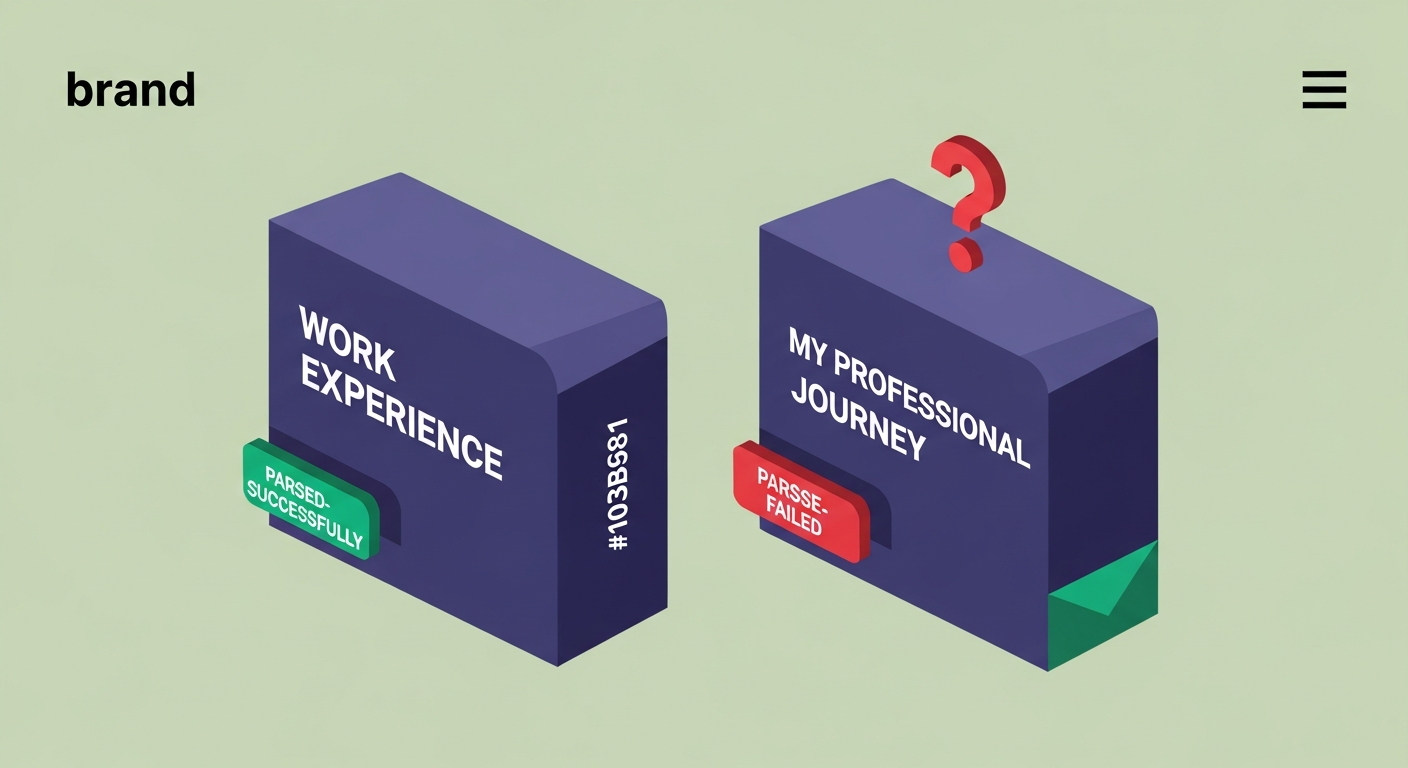
ATS parsers identify resume sections by their headings. When the software sees "Work Experience," it files the content underneath as employment history and applies structured field scoring. When it sees "My Professional Journey" or "Where I've Made an Impact," it often can't map the content to a known section — and the parser files it under "other," where it gets no structured field weight.
A candidate submitted a resume built with a creative template. The sections were labeled "Career Story," "What I Know," and "My Academic Path." The content was solid — real experience at recognizable companies, relevant skills, a strong school. ATSFixer scored it at 19 out of 100. We renamed the sections to "Work Experience," "Skills," and "Education," changed nothing else, and rescored it: 68. The content hadn't moved. The labels had. (Think of it like a filing system — you've built a great cabinet, but labeled the drawers in a language the filer doesn't speak. Everything goes into miscellaneous.)
The safe labels, per standard ATS taxonomy:
- Work Experience — not Career History, Professional Journey, or Employment Story
- Education — not Academic Background or Schooling
- Skills — not Toolbox, Areas of Expertise, or What I Bring
- Summary — not Profile, About Me, or What I'm Looking For
- Certifications — not Credentials, Achievements, or Badges
This matters most on Workday, Greenhouse, and Lever — three of the most common ATS platforms — all of which parse by heading label. If your heading doesn't match their expected taxonomy, the content under it scores lower or gets categorized incorrectly.
You can be creative everywhere else on a resume. The section headings are the one place where the boring choice is the right one. Use standard labels, then let the content underneath them show who you are.
Related from ATSFixer
Frequently Asked Questions
Every resume needs five sections: contact information, professional summary or objective, work experience, education, and skills. ATS software parses these as structured fields and scores them against the job description. Optional sections — certifications, projects, languages, volunteer work — add context but carry less algorithmic weight than the five mandatory ones.

Jordan Marcus
Senior Career Strategist
Jordan has reviewed 4,000+ resumes and coached candidates into roles at Google, Stripe, and McKinsey. She writes about the mechanics of ATS and what actually gets people interviews.