On this page
- Why Word Formatting Kills ATS Scores
- How an ATS Actually Reads Your Word File
- Fix 1: Remove Columns and Sidebars
- Fix 2: Delete Every Text Box
- Fix 3: Strip Out Tables
- Fix 4: Clear Headers, Footers, and Graphics
- Fix 5: Standardise Fonts and Line Spacing
- Fix 6: Save in the Right File Format
- Fix 7: Verify Before You Submit
- When Word Formatting Matters Less Than You Think
- Frequently Asked Questions
Here is the fastest way to fix resume Word formatting for ATS: convert to a single-column layout, delete every text box and table, remove headers and footers, use a standard font, and save as either .docx or a text-selectable PDF. That is the complete checklist for most situations.
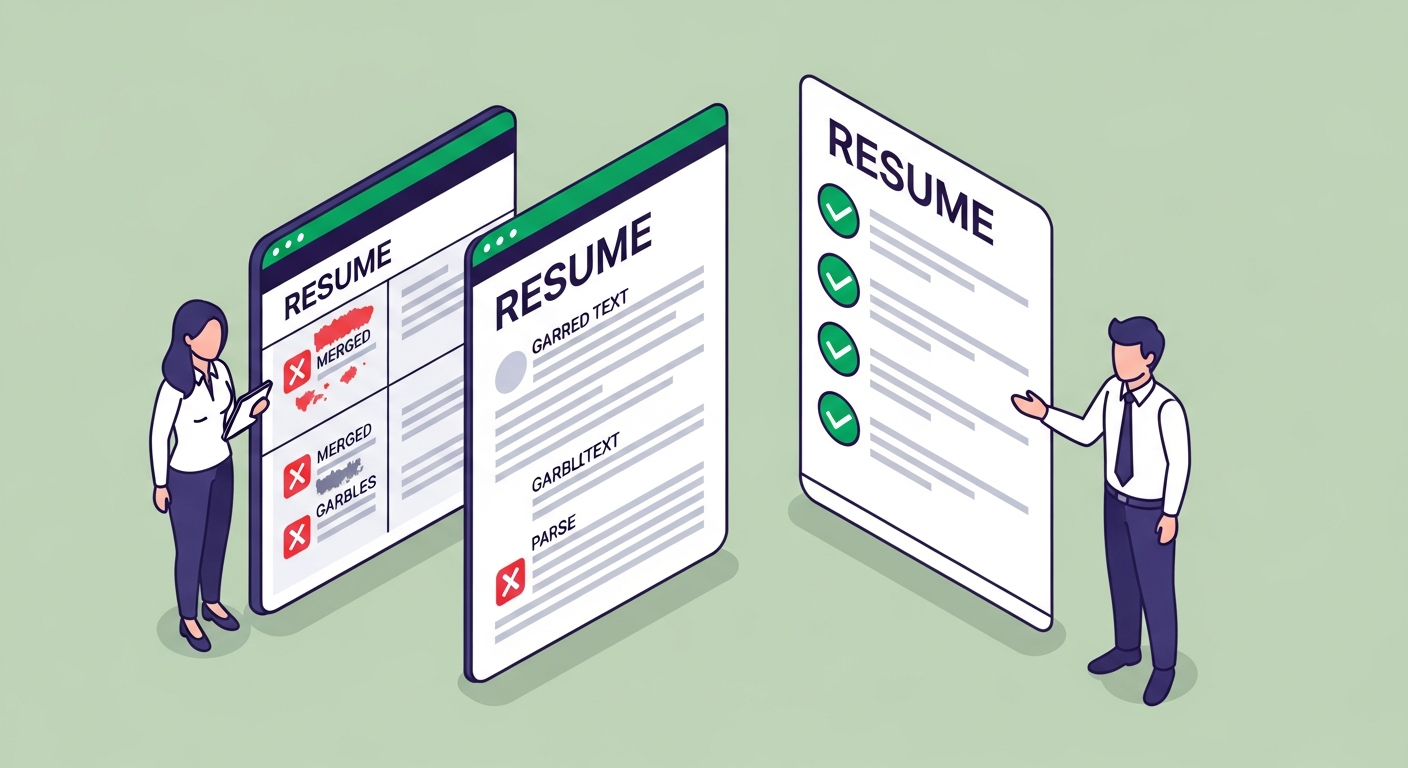
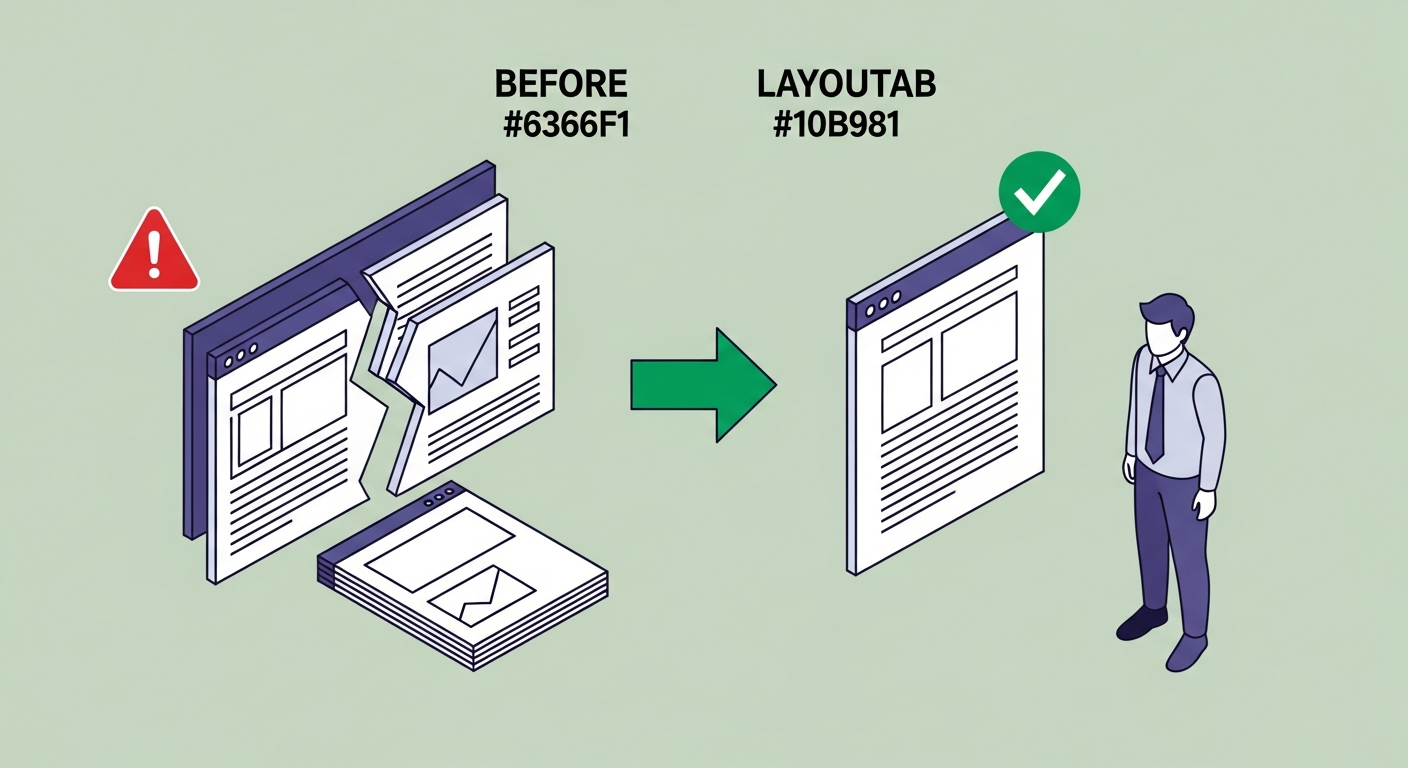
Now here is why it matters more than the writing on your resume: a two-column Word template with a skills sidebar will score 12/100 on Workday. The parser reads both columns left-to-right in a single pass, merging your skill list with your job titles into garbled nonsense. The recruiter never sees a human who has been misread — they see a data extraction failure.
The formatting on your resume is the reason 75% of applications are rejected before a human reads them, according to Jobscan's research. Most of those rejections are not about qualifications. They are about Word's built-in formatting tools working exactly as Word intends — and breaking ATS parsers in the process.
Why Word Formatting Kills ATS Scores
Microsoft Word is designed to make documents look good on screen and in print. ATS software is designed to extract structured data from text. These two goals have almost nothing in common.
Word achieves visual layouts using text boxes, columns, tables, and positioned frames. ATS software reads a linear stream of characters, trying to identify fields like "job title," "employer," "dates," and "skills." When the document's visual structure is controlled by Word's layout engine rather than plain text flow, the parser either skips content entirely or merges it into unreadable strings.
A software engineer with eight years of experience submitted a two-column resume — skills on the left sidebar, experience on the right. His ATS score: 12/100. The parser read the columns left-to-right in a single pass, combining "Python, Django, AWS" with "Senior Engineer" and "2019–2022" into a single merged string. The system couldn't identify his employer, his title, or his dates. He looked, to the algorithm, like a blank page. He converted to single-column format — same content, no other changes. New score: 71/100. Interview that week. (This specific pattern is documented in ATSFixer's internal testing, and confirmed across Workday, Taleo, and iCIMS parser behaviour.)
The good news: every one of these formatting issues is fixable in under 20 minutes. None of them require rewriting a word of your resume.
How an ATS Actually Reads Your Word File
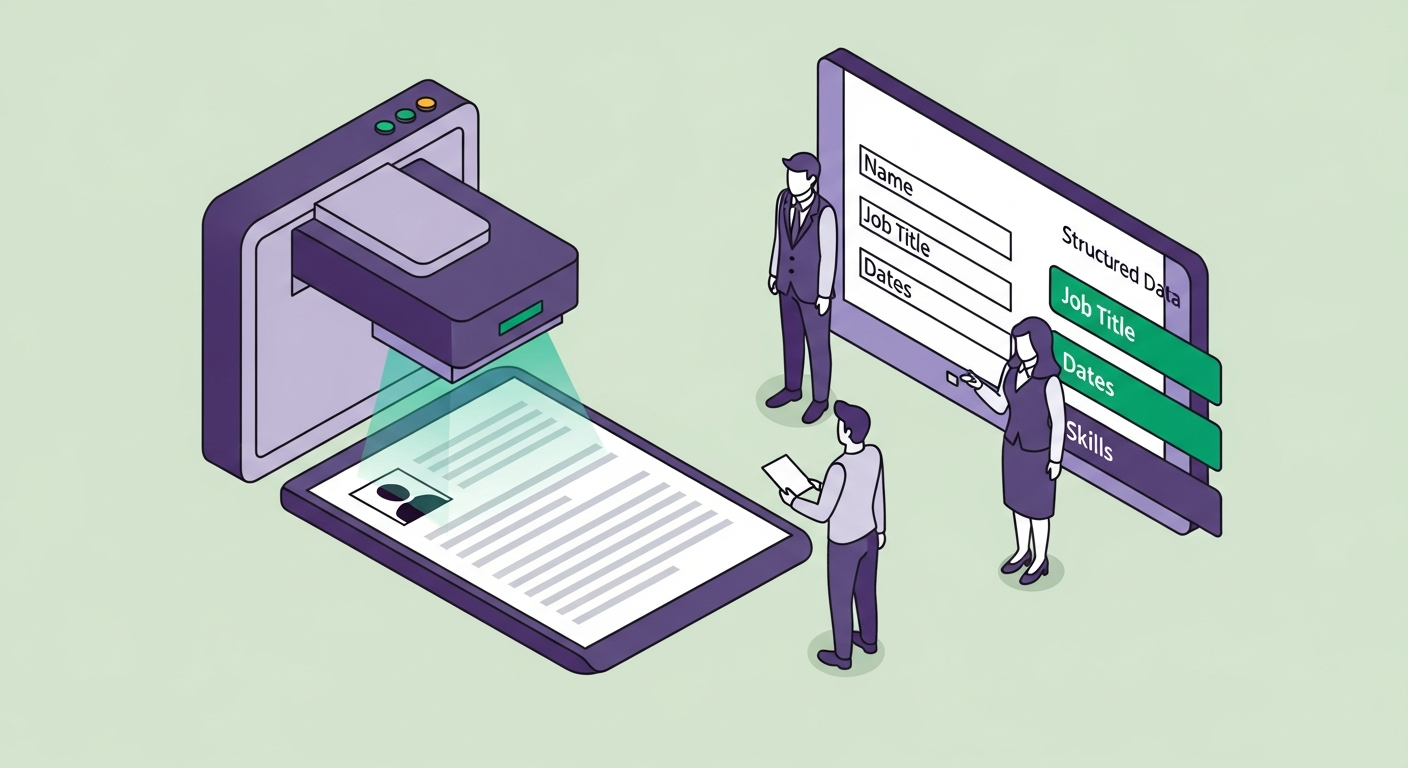
When you upload a .docx or .pdf to an ATS portal, the system strips all formatting and extracts raw text in document order. "Document order" is the key phrase — it means the order the content appears in the XML structure of the file, not the visual order on your screen.
In a single-column resume, document order matches visual order. Your name is first, then your summary, then your experience. The parser reads them in sequence and extracts the right fields.
In a two-column layout, document order depends on how Word's layout engine wrote the XML. Sometimes the left column comes entirely before the right. Sometimes columns interleave line by line. Neither matches visual order reliably, and ATS software cannot reconstruct visual position from XML layout data. The result is a merged dump of content the parser cannot categorise.
Taleo and older iCIMS installations have the most restrictive parsers of any major ATS. Workday is used by 45% of Fortune 500 companies and has significantly improved, but still fails on complex nested layouts. Greenhouse and Lever are more forgiving, but "more forgiving" is not the same as "immune." Optimising for Taleo and iCIMS covers every platform.
ATSFixer tests resumes against all five of these systems every week. The formatting issues below account for the majority of parse failures we see.
Fix 1: Remove Columns and Sidebars
Columns are the single most common ATS-breaking element in Word resumes. The popular "modern" templates — two-thirds experience column on the right, one-third contact/skills column on the left — are the ones most likely to score below 20/100 on a real ATS.
To check whether your resume uses Word columns: click anywhere in the document, go to Layout → Columns. If it says anything other than "One," you have a column layout.
How to fix it:
Select all content (Ctrl+A), then go to Layout → Columns → One. This converts the layout to a single column. Your content will reflow into a long single-column document — which is exactly what you want.
You will then need to reorganise the content manually. Move your skills section below your experience (or, better, below your summary and above your experience — where ATS parsers weight it most heavily). Move your contact information into the document body, not a sidebar. Clean up any leftover spacing from the conversion.
This takes 10–15 minutes. It is the most impactful formatting change you can make.
One common objection: "But it looks less impressive." The parser does not have eyes. Neither does the recruiter who opens a blank ATS profile and sees an extraction failure. A slightly less visually interesting resume that actually scores is worth considerably more than a beautifully formatted one that does not.
Fix 2: Delete Every Text Box
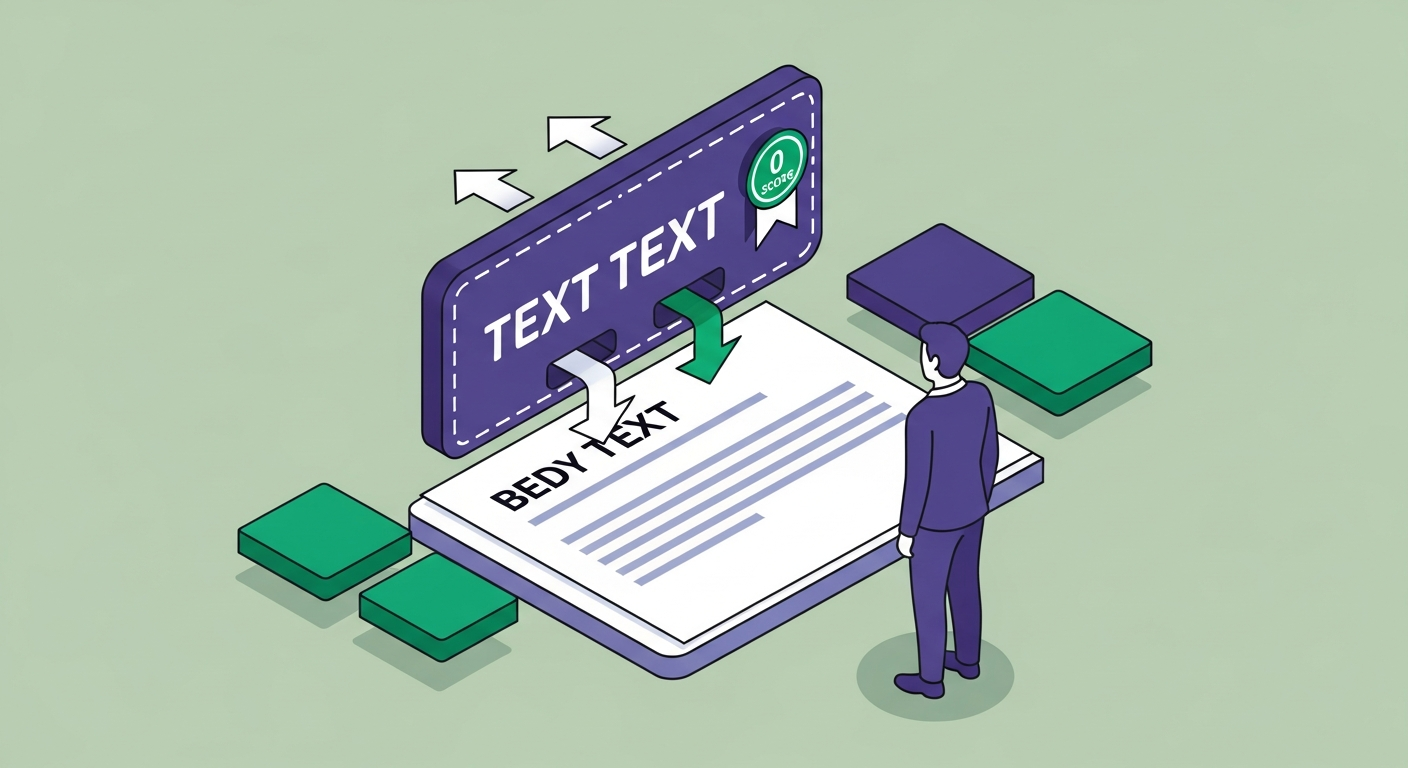
Text boxes are invisible to ATS parsers. The content inside them is treated as a floating object rather than body text. It does not appear in the linear text stream the parser reads. Skills, contact information, and summary sections placed inside text boxes score zero — because as far as the ATS is concerned, they do not exist.
This matters because contact information and skills sections are among the most common things placed in text boxes by Word resume templates. Your email address, LinkedIn URL, and phone number are inside a floating object the parser cannot see. Your skills keywords — the primary mechanism for ATS keyword matching — are invisible.
How to identify text boxes: Click on different parts of your resume and look at the Word toolbar. If clicking on an element shows a "Format Shape" or "Drawing Tools" tab rather than "Format Text," it is inside a floating element.
How to fix it: Right-click the text box → Copy text → Delete the text box → Paste the text directly into the document body. Then format it to match the surrounding text.
The Show/Hide function (Ctrl+Shift+8, or click the ¶ button on the Home toolbar) will not reveal text boxes — they are genuinely invisible in the standard flow. You need to click around to find them.
Fix 3: Strip Out Tables
Tables in Word resumes fall into two categories: skill grids and contact bars. Both break ATS parsing in different ways.
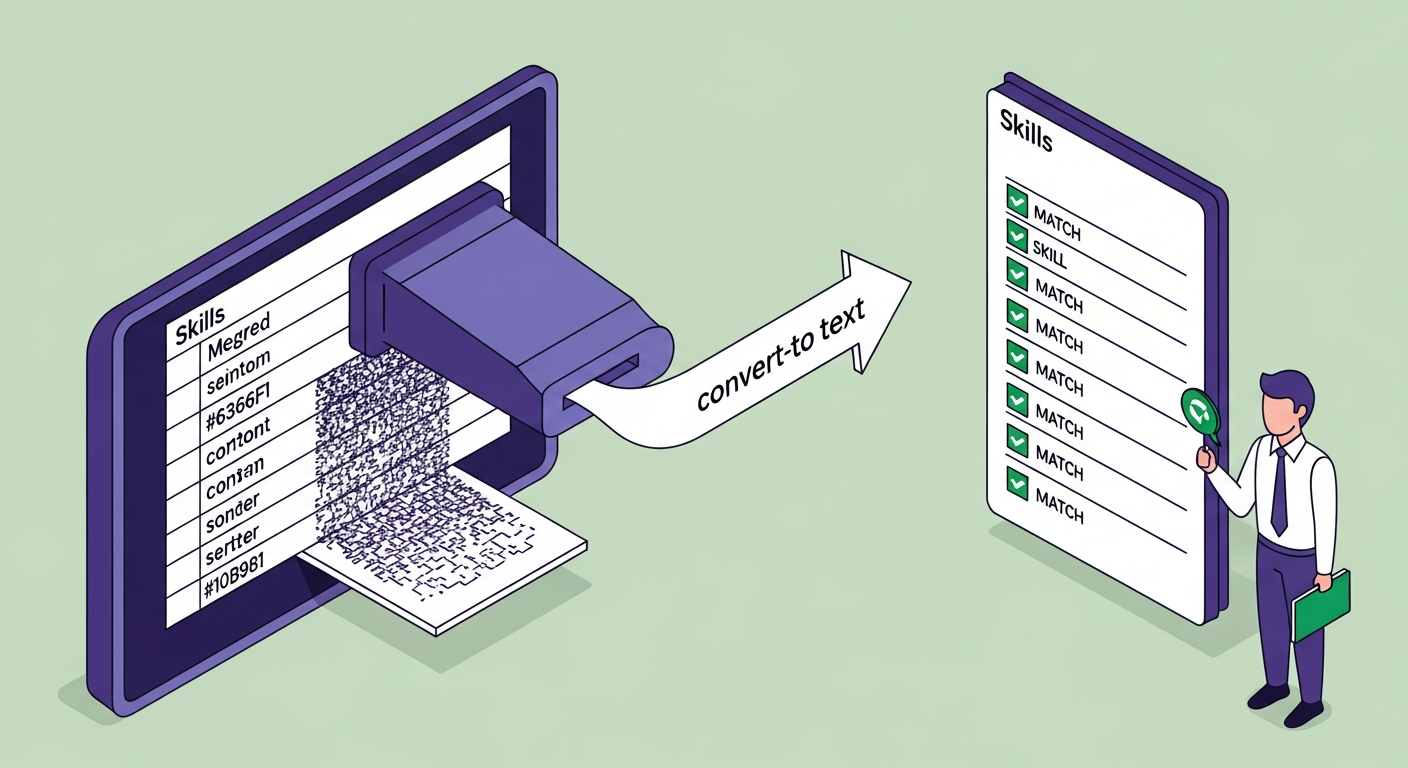
Skill grids (a table with two or three columns of skills) cause the parser to read skills left-to-right across each row: "Python SQL Java C++ Django PostgreSQL." Most ATS systems can extract these terms, but the table structure sometimes corrupts adjacent content — the header row above the table or the section that follows it.
Contact bars (a table at the top of the resume with name | email | phone in separate cells) are more dangerous. Some parsers identify the first text in a document as the candidate's name. If the first text is a table header row containing "Name | Email | Phone" as column labels, the parser may extract "Name" as the candidate's name — or fail to extract the name field entirely.
How to convert a table to plain text: Select the table → go to the Table Layout tab → click Convert to Text → choose Tabs or Paragraph marks as the separator. Your content will convert to regular text that you can then format with standard paragraph spacing.
The only exception: a simple two-column alignment table used to line up dates on the right margin while keeping job titles on the left. This is common and most parsers handle it correctly. The risky tables are the ones with more than two columns, or tables used as skill matrices.

Fix 4: Clear Headers, Footers, and Graphics
Word headers and footers live outside the main document body in a separate XML layer. Most ATS parsers either skip them entirely or extract them as garbled context-less text. If you have placed your name, contact information, or page numbers in the document header, the parser may not find your name at all — which is exactly as bad as it sounds.
How to check for headers/footers: Double-click at the very top or very bottom of any page. If a "Header" or "Footer" section becomes editable, you have content there.
How to fix it: Move any information from headers/footers into the document body. Then go to Insert → Header → Remove Header and Insert → Footer → Remove Footer.
Inline graphics and icons cause similar problems. A photo in the document body, bullet icons that are embedded images, or decorative dividers created from image files all generate noise in the parser's text extraction. Remove all inline images. Replace image-based bullet points with standard Word bullet characters (Format → Bullets, not images pasted from external sources).
Logos of past employers or school crests: remove them. The parser wants text. It does not process images.
Fix 5: Standardise Fonts and Line Spacing
Font choice and spacing are less likely to break parsing than columns or text boxes, but they cause specific problems in certain ATS systems.
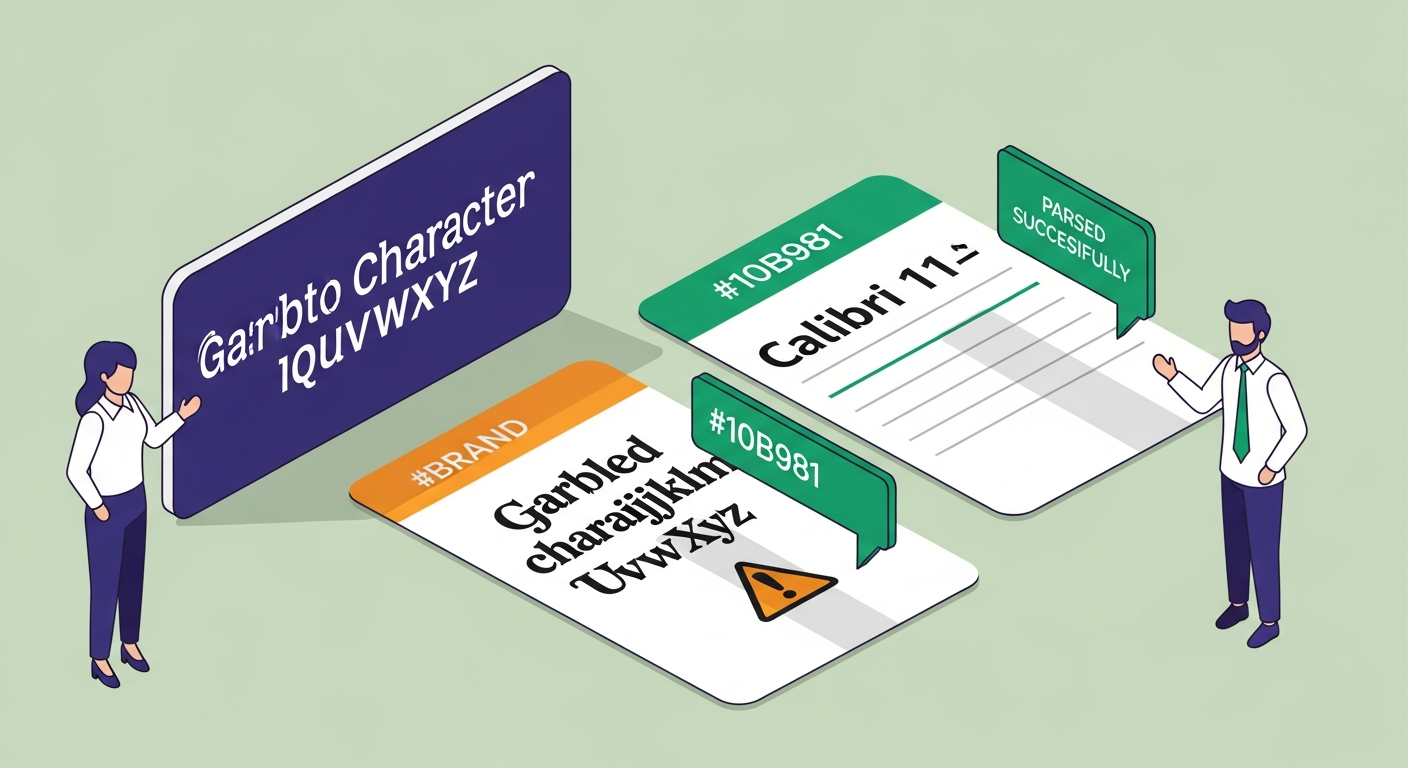
Fonts: ATS parsers handle standard system fonts reliably — Calibri, Arial, Garamond, Georgia, Times New Roman. Decorative or custom fonts (downloaded from Canva, Google Fonts, or design resources) sometimes render as character substitutions if the font is not embedded in the PDF. The parser receives garbled characters it cannot interpret.
Use Calibri 11pt for body text. It is the Word default, it is system-standard, and it reads cleanly across every parser tested. Your name can be 14–16pt. Section headings can be 12pt bold. That is the complete font specification.
Line spacing: Set paragraph spacing to Single or 1.15 with 6pt after each paragraph. This keeps the document readable without creating large gaps that parsers sometimes interpret as section breaks in the wrong places.
To standardise fonts across the whole document: Ctrl+A to select all, then set font and size in the Home toolbar. Then manually reformat your name and headings to the correct sizes.
Honestly, the font matters about 5% as much as the layout. A resume with perfectly chosen fonts and a two-column layout will still score 12/100. A resume with Calibri 11pt in a single-column layout scores in the 60s before we even look at keywords.
Fix 6: Save in the Right File Format
The file format question for ATS is: .docx or PDF?
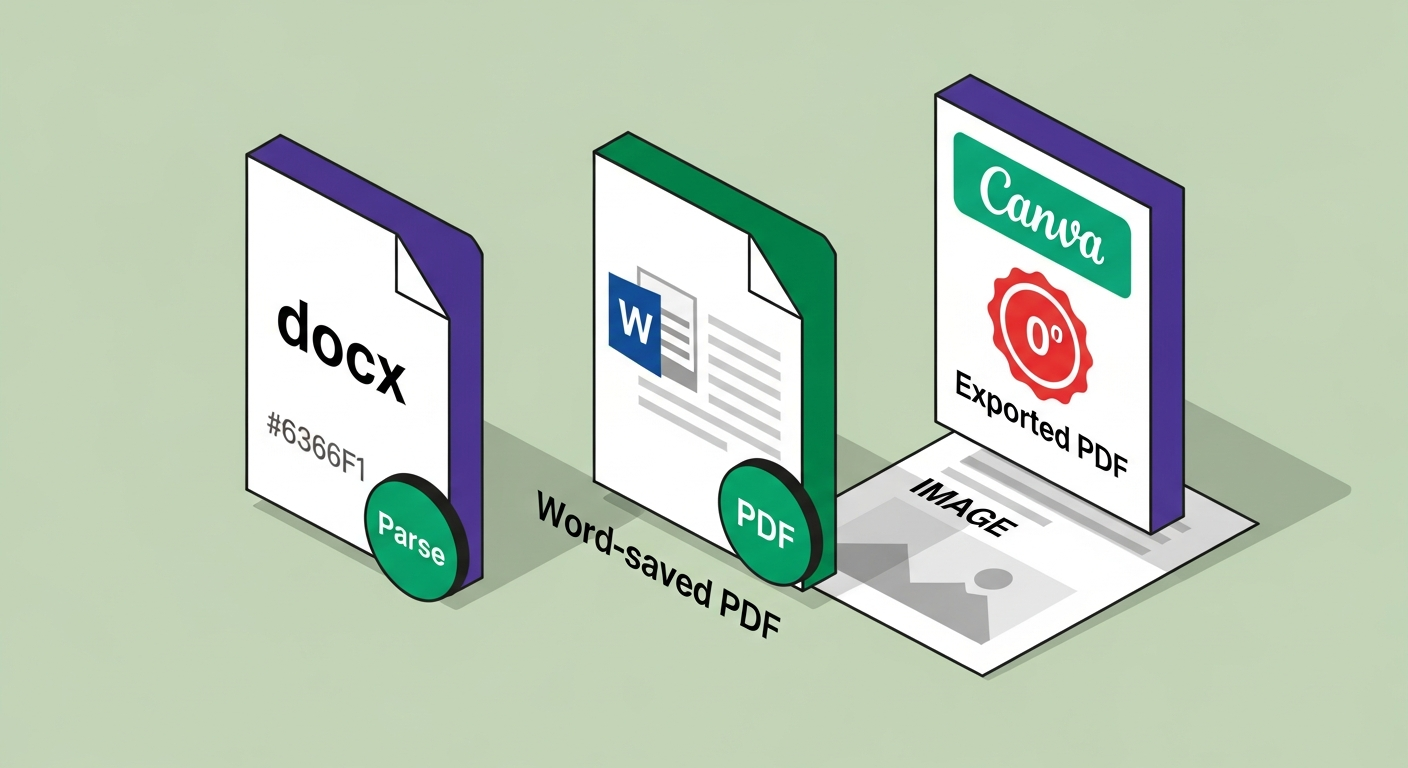
The short answer: .docx is safest unless the job posting specifically requests a PDF. Word documents give ATS parsers direct access to the raw XML content. PDFs add a conversion layer that introduces additional failure points.
If you must submit a PDF — and some employers require it — the critical requirement is that the PDF must be text-selectable. Open the PDF and try to highlight a word with your cursor. If you cannot select individual characters, you have a scanned or image-based PDF. ATS parsers cannot read image-based PDFs. The score is 0/100, not because of keywords but because there is no text to parse.
To save a text-selectable PDF from Word: Go to File → Save As → PDF. Do not use "Print to PDF" from a printer driver — some driver PDFs flatten text to images. Use Word's native Save As PDF function.
One specific thing to avoid: PDFs generated from Canva, Adobe Illustrator, or design tools export resumes as flattened images. Even when they look perfect on screen, they score zero on every ATS. This is documented. Canva PDFs fail ATS parsing reliably.
ATSFixer data shows that 1 in 3 resumes submitted through Workday are corrupted during parsing due to columns, tables, or text boxes in the original file. The file format issue is a separate layer on top of that — it is possible to have a correctly formatted single-column Word document that then fails because of a bad PDF export.
Fix 7: Verify Before You Submit
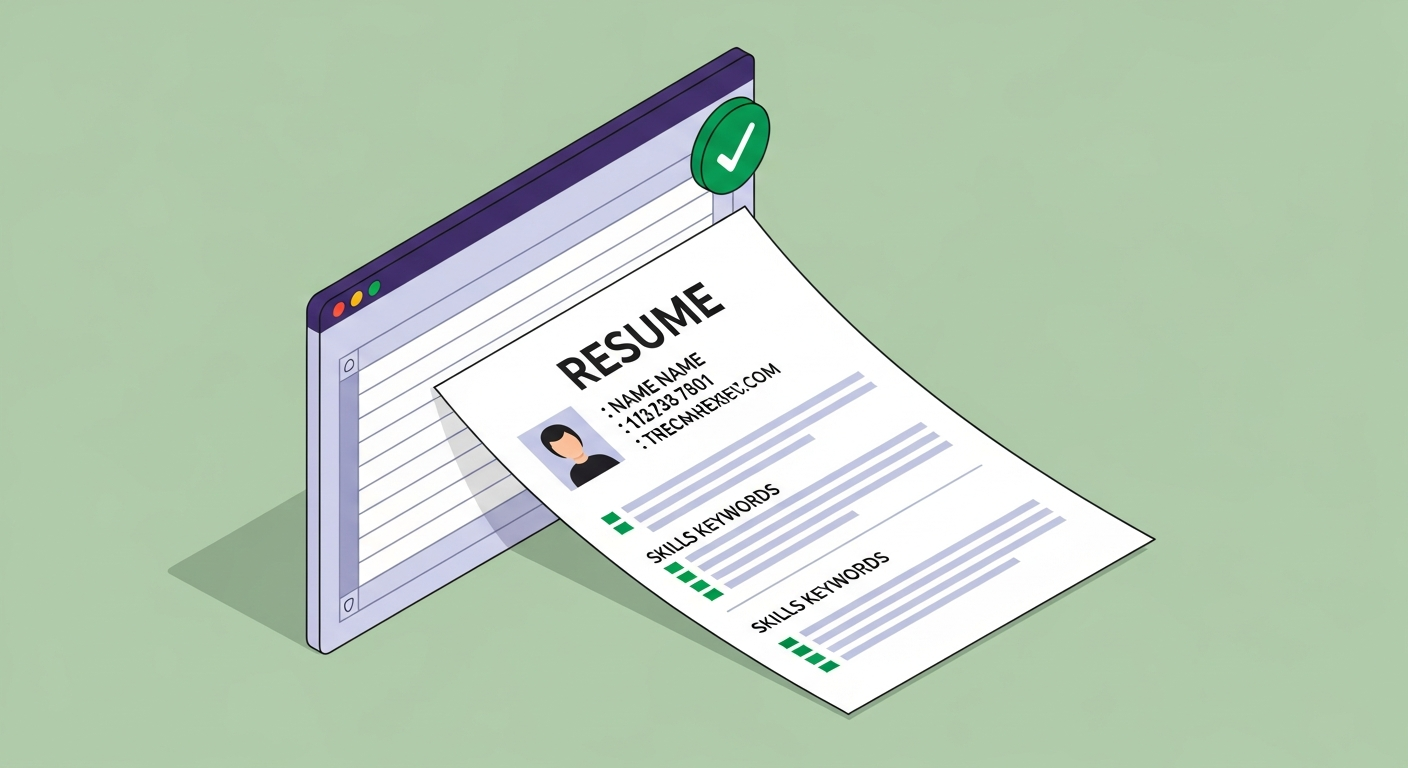
Every formatting fix you make should be verified before submission. The fastest verification method: copy all text from your resume (Ctrl+A → Ctrl+C) and paste it into a plain text editor — Notepad on Windows, TextEdit in plain text mode on Mac. What you see is roughly what the ATS parser sees.
Read through it. Ask:
Is my name the first line of text? It should be. If the first line is "Header" or a page number or a table label, fix it.
Does my experience read in order? Most recent role should appear first in the text. If columns mixed your content, the order will be wrong.
Do my skills appear as readable keywords? "Python, Django, AWS, PostgreSQL" should be visible as individual words. If they appear as garbled text or do not appear at all, they were in a text box or column that the parser could not access.
Is there readable text where your contact information should be? Name, email, phone should all be visible as plain text.
Alternatively, run your fixed resume through ATSFixer's free ATS checker, which gives you a score breakdown with specific formatting and keyword diagnostics. Our tool is accurate within ±3 points of the real ATS output — so if your score comes back in the 60s or above, you have fixed the parsing issues that were costing you interviews.
Job seekers who tailor their resume and fix formatting issues are 3× more likely to get an interview, according to Jobscan's analysis of 1M+ resume scans. The formatting fix is step one. The keyword matching is step two. Most people skip step one and wonder why step two is not working.
Free ATS Score Check
Your result looks like this —
get yours in 30 seconds.
Drag & drop your resume here
PDF or Word · max 10 MB
Results in under 30 seconds · no sign-up required
When Word Formatting Matters Less Than You Think
Word formatting is critical for roles at companies that use an ATS. That is most companies with more than 50 employees — Workday alone is used by 45% of Fortune 500 companies. Greenhouse is at 7,500+ companies. The platform names vary; the formatting requirements do not.
There are situations where ATS formatting is genuinely less important:
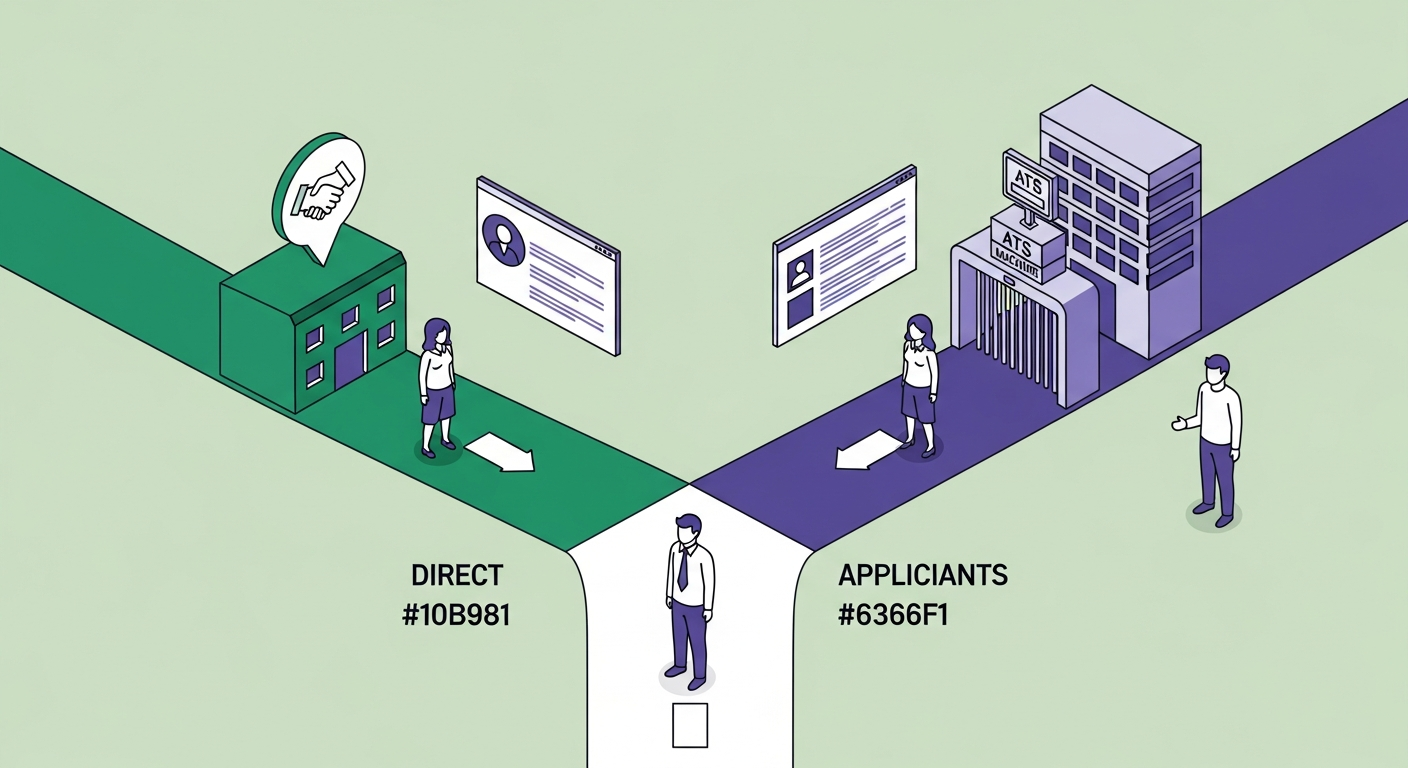
Small companies under 50 people. Most companies this size do not use a dedicated ATS. Applications go directly to a hiring manager's inbox. A well-formatted PDF that looks good on screen — even with design elements — is fine. Over-engineering an ATS-optimised resume for a 15-person startup wastes your time.
Referral applications. If a current employee submitted your resume directly to a hiring manager or recruiter, it often bypasses the ATS queue. Your resume may still get scanned eventually, but the human saw it first. Formatting matters less when a person has already vouched for you.
Creative roles with portfolio requirements. Graphic designers, art directors, and UX designers are often expected to present a visually polished resume. Some hiring managers in these fields appreciate the design work. Even here, though, submitting a plain-text version alongside the designed PDF is worth considering — many large creative agencies do use ATS screening.
How do you know which situation you are in? Research the company. If they are posting roles through Greenhouse, Lever, Workday, Taleo, or iCIMS, your resume goes through an ATS. If the job listing says "email your resume to [direct address]," it probably does not. When in doubt, the single-column clean format hurts nothing and helps when it matters.
You made it through a 2,800-word article about fixing formatting in Microsoft Word. That is either dedication, insomnia, or both. Either way: if you have made these changes and still want to know exactly how your resume scores, paste it into ATSFixer. We will tell you the number, the keyword gaps, and which sections the parser actually read — and unlike most software, we will not make you create an account before showing you what we found.
Related from ATSFixer
Frequently Asked Questions
Yes — significantly. Two-column layouts, text boxes, and tables are the most common causes of ATS parse failures. A resume with a two-column sidebar layout typically scores 12–20/100 on platforms like Workday or Taleo, because the parser merges column content into garbled strings. Converting to a single-column layout often raises scores to 60–75/100 without changing the resume's content.

Jordan Marcus
Senior Career Strategist
Jordan has reviewed 4,000+ resumes and coached candidates into roles at Google, Stripe, and McKinsey. She writes about the mechanics of ATS and what actually gets people interviews.